1
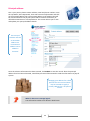
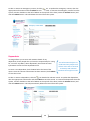
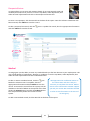
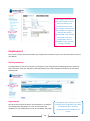
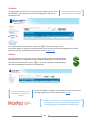
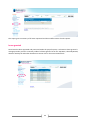
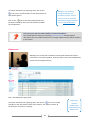
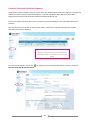
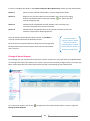
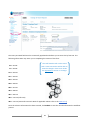
Manager – User Guide Welcome to the Manager’s User Guide to i-manage. This comprehensive user guide will take you through all aspects of i-manage with hints and tips along the way. It includes both information relevant to you as a staff member together with manager specific details. What is i-manage? i-manage is a fully secure online information system, designed to eliminate paper-based forms and the manual effort required to submit Human Resources (HR) and Payroll requests. i-manage replaces ESS. Why is it being introduced? i-manage streamlines your interactions with HR and Payroll: i-manage is accessible anytime, anywhere in the world from any internet connected computer or device; ESS is no longer needed; i-manage takes over this function and does so in a much more userfriendly manner; Passwords only need to be set once and can be reset by you in the event you forget your password; All staff are able to view and change much of their personal information online; Managers are able to view their team structure and relevant staff data such as when their team has booked leave and leave balances, which will help with planning; Hours of your time and that of HR and Payroll will be saved, allowing you to focus on your work and HR and Payroll to focus on strategic activities that will add value to the Institute and better support research. What does this mean for me? You have online access to your personal information and details relating to your employment and that of your staff that you previously had limited or no access to. i-manage will save you time and give you more control over your details. 2