1
The General Ledger
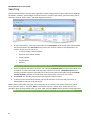
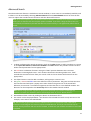
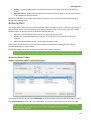
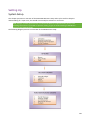
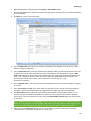
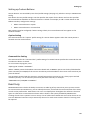
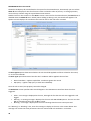
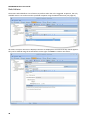
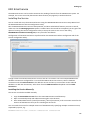
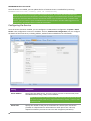
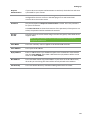
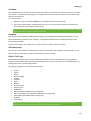
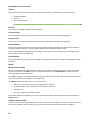
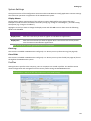
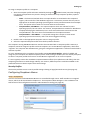
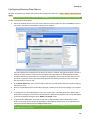
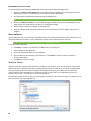
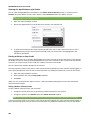
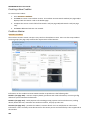
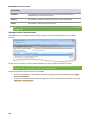
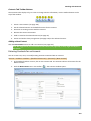
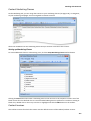
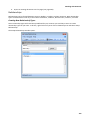
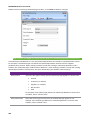
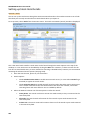
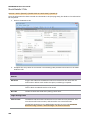
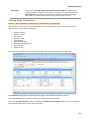
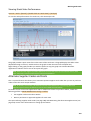
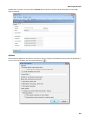
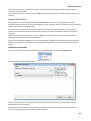
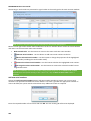
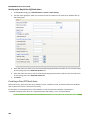
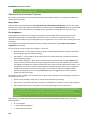
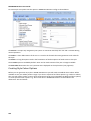
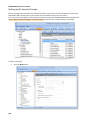
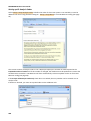
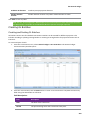
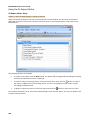
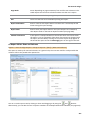
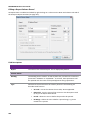
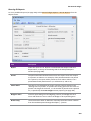
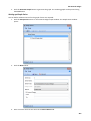
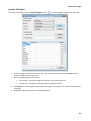
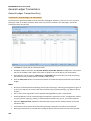
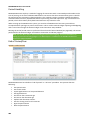
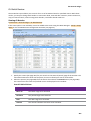
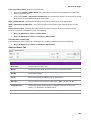
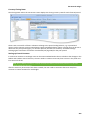
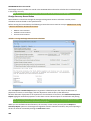
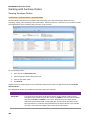
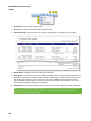
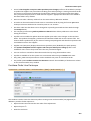
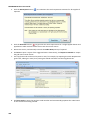
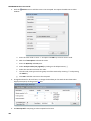
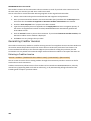
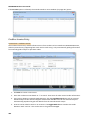
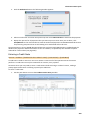
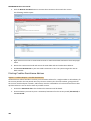
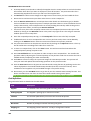
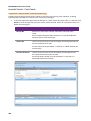
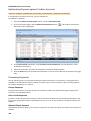
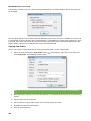
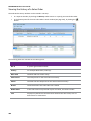
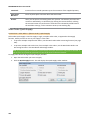
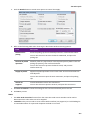
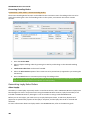
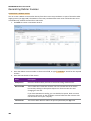
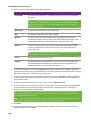
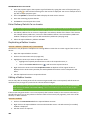
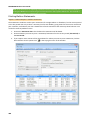
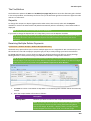
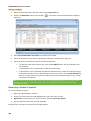
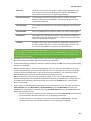
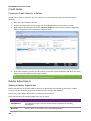
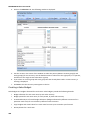
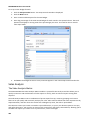
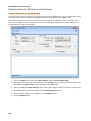
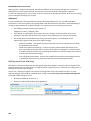
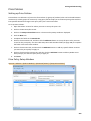
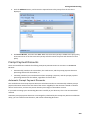
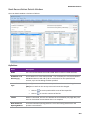
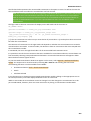
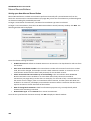
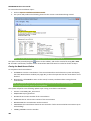
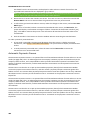
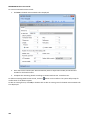
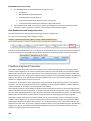
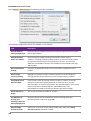
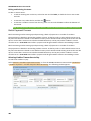
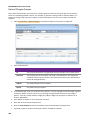
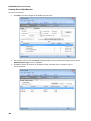
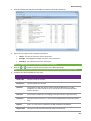
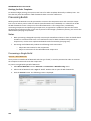
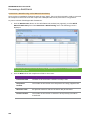
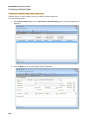
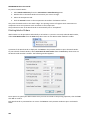
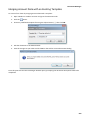
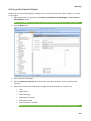
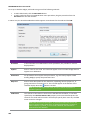
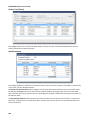
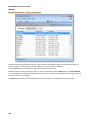
Click New to create a new code, then specify a descriptive name for the code. Codes are automatically
numbered sequentially starting at 1.
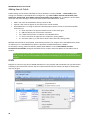
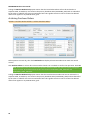
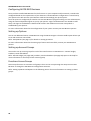
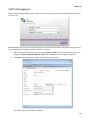
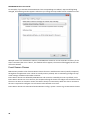
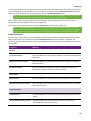
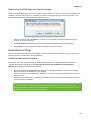
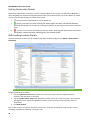
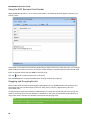
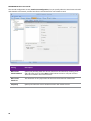
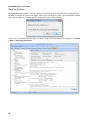
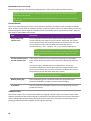
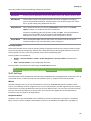
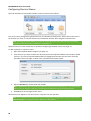
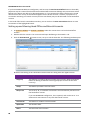
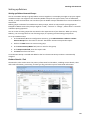
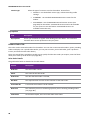
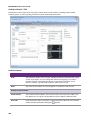
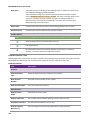
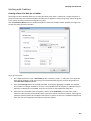
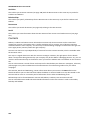
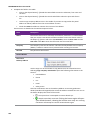
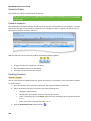
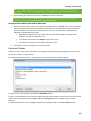
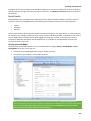
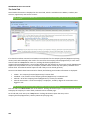
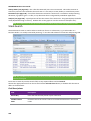
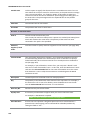
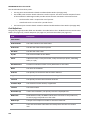
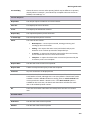
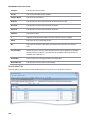
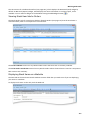
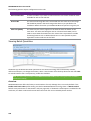
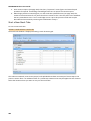
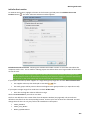
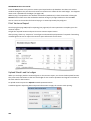
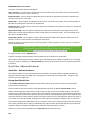
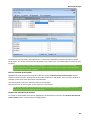
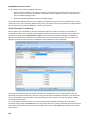
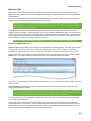
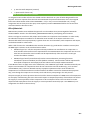
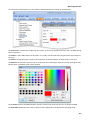
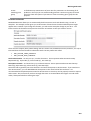
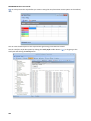
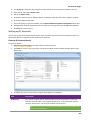
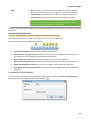
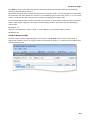
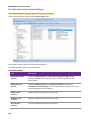
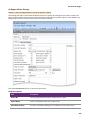
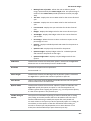
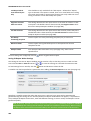
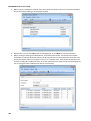
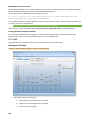
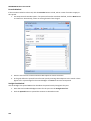
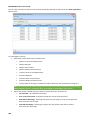
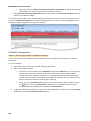
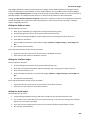
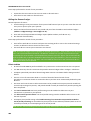
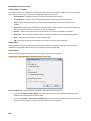
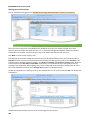
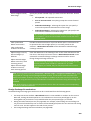
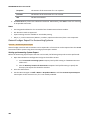
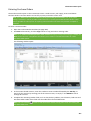
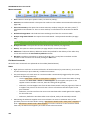
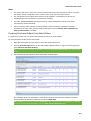
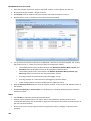
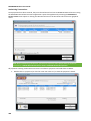
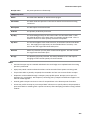
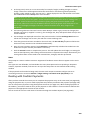
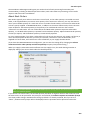
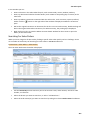
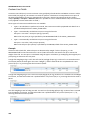
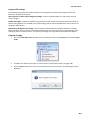
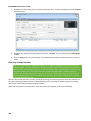
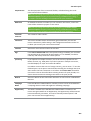
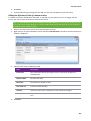
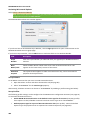
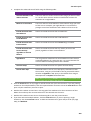
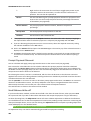
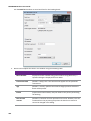
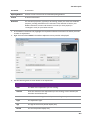
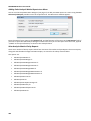
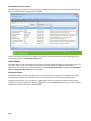
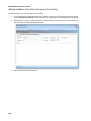
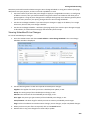
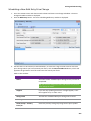
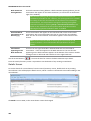
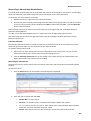
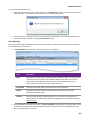
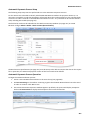
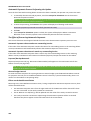
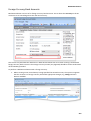
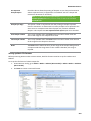
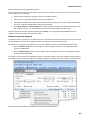
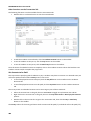
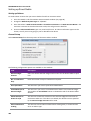
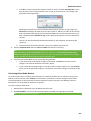
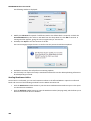
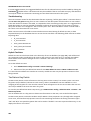
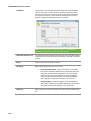
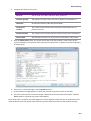
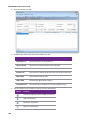
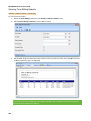
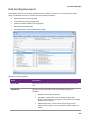
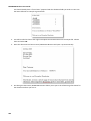
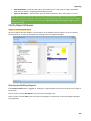
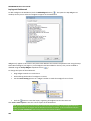
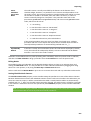
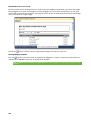
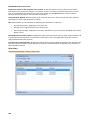
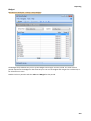
The Validation tab contains a numbered column for each analysis code, i.e. if you selected to use two codes
on the General tab, there will be two columns on the Validation tab. For each code, enter “Y” or “N” in each
column to indicate whether the code can be used for the appropriate analysis code.
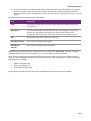
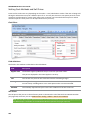
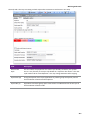
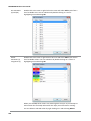
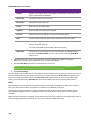
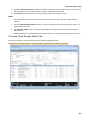
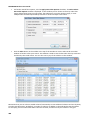
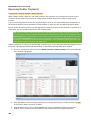
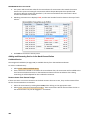
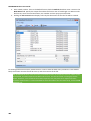
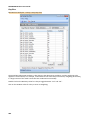
In the example above, codes 1 and 2 (“Internal” and “External”) can be used for Analysis Code 1 or Analysis
Code 2, while code 3 (“Special”) can only be used for Analysis Code 2. This means that the following GL
code is valid:
00-0100-01-1-2
However, the following GL code is invalid, as code 3 appears in the Analysis Code 1 position:
00-0100-01-3-2
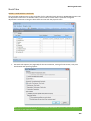
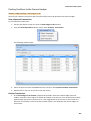
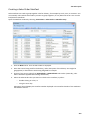
Using GL Analysis Codes
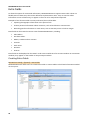
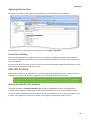
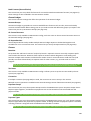
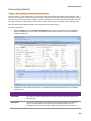
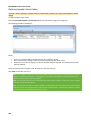
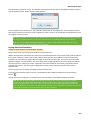
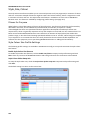
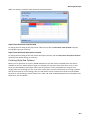
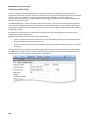
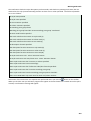
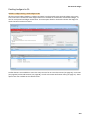
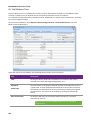
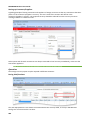
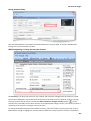
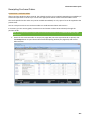
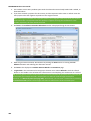
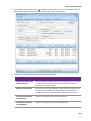
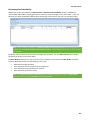
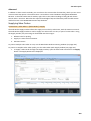
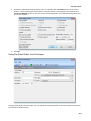
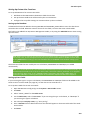
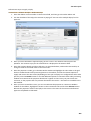
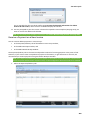
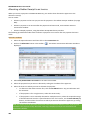
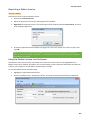
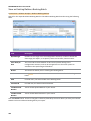
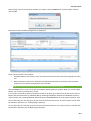
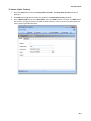
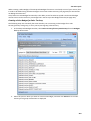
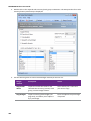
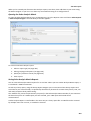
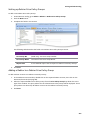
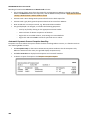
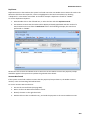
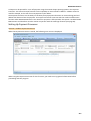
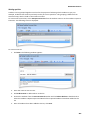
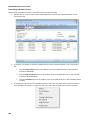
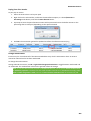
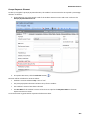
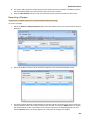
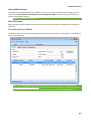
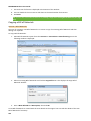
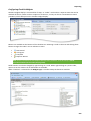
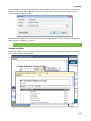
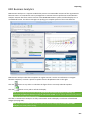
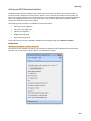
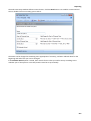
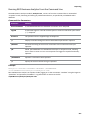
Enter GL analysis codes by appending them to GL codes in the GL Code fields on entry screens such as
Debtor and Creditor invoices. GL analysis codes are separated by hyphens, i.e. Branch-Account-SubaccountAnalysis1-Analysis2 etc.
239