1
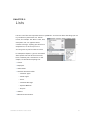
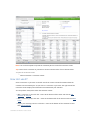
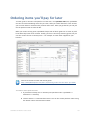
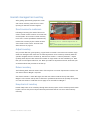
Attachments Center
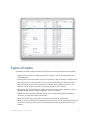
If you've attached receipts, photos, contracts, drawings, or any other document to your
QuickBooks records and transactions, you can find all those attachments in the Attachments
Center.
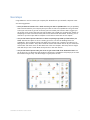
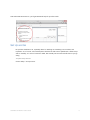
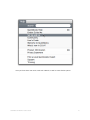
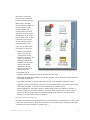
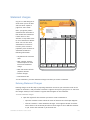
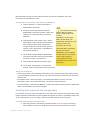
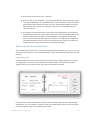
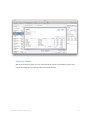
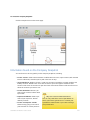
To open the Attachment Centers, go to Company > Attachments Center.
What can I do in the Attachments Center?
Lots of things! Here they are:
•
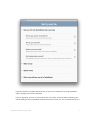
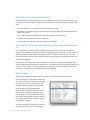
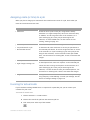
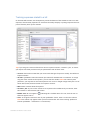
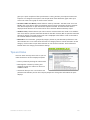
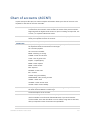
Search for attachments. To search for attachments, enter a search term into the field at the
top left of the Attachments Center window. You can search for file names, dates, keywords in
titles, and any word in a PDF or text document. If you've got the OCR option turned on in your
preferences, you can also search for any words in image files.
•
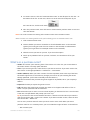
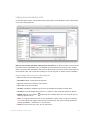
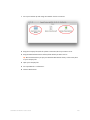
Preview attachments. Select the attachment you want to preview. Click
to preview the
attachment. A bigger (but not full-sized) version of the thumbnail of the attachment appears.
•
Open attachments. Double-click the attachment you want to open, or select an attachment,
then click Open for Preview. The attachment opens in its native application. (Images and PDFs
open in Preview.) This opened file is read-only. If you want to make changes to it, you need to
save it as a copy, then go back to QuickBooks and attach it to a record or transaction.
•
Open the QuickBooks record or transaction the attachments are attached to. In the
attachment's row, click the link to the transaction or record you want to open. It opens.
•
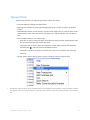
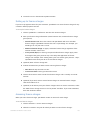
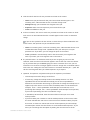
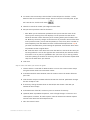
Export attachments.
1
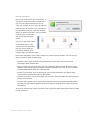
Select the attachment you want to export.
2
Click
3
Choose a folder to export the attachment to. You can rename the exported attachment
and choose Export Document.
if you want to. The attachment is saved to the folder you chose. It stays put in the
Attachment Center too, and stays attached to its QuickBooks record or transaction.
•
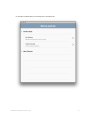
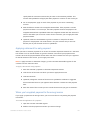
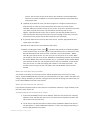
Delete attachments from the Attachments Center and the Attached Documents Library.
1
Select the attachment you want to delete.
2
Press Delete.
OR
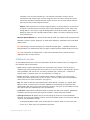
Click
3
and choose Delete Document.
QuickBooks asks you if you really want to delete this attachment. Click OK.
QuickBooks deletes this attachment both from the Attachment Center and from the
Attached Document Library. If you've got a copy of this attachment saved someplace
else on your computer, that copy isn't deleted. But if the only copy of this file exists in
the Attached Document Library, be sure you want to delete it before you click OK.
QuickBooks for Mac 2014 User’s Guide
240