1
ETIC 2010 User Guide
WE n5611377
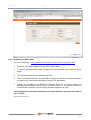
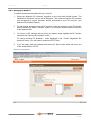
If “Submit Advice” button is selected a PDF of the notice will pop up in a separate window.
This screen will allow the user to check the details to be submitted. Print the Preliminary
Notice if required and submit the Preliminary Notice details to Western Power.
If the “Submit Advice” button on this screen is not selected the Notice will not be submitted
(lodged) with Western Power.
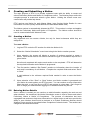
If the Preliminary notice is submitted ETIC will display the “Notice Sent” screen with your
created Notice number, which is also your receipt number.
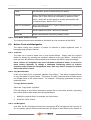
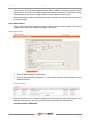
You can start viewing the status of a Notice after 5 minutes of submission.
Page 21