1
Page 20
Solution-8 Installation Manual
Programming Locations
The default value for each location are indicated by the hollow numbers shown after each location title. If a
value outside the recommended range is selected then the option will revert to the factory default setting. A zero
'0' programmed in any location will always disable the function.
For options requiring more than one location, multiple zeros '0' will need to be entered.
All examples assume the client number to be 5678.
Primary Telephone Number
Locations 00-15
0000000000000000
NOTE:
Substitute '10' for zeros, as a '0' indicates end of the phone number
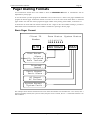
This number will be called three times in an attempt to contact the monitoring station. If unsuccessful, the
secondary number will then be called three times as well. This procedure will be repeated only once again (ie
maximum of twelve call attempts) after ten minutes if the first six attempts were unsuccessful.
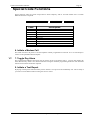
A '0' is used to indicate the end of the phone number. Therefore the dialling sequence will be terminated when a
'0' appears. Entering the value '13' will initiate a 4 second pause in the dialling sequence.
Secondary Telephone Number
Locations 16 - 31
0000000000000000
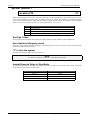
See primary telephone number for programming details.
Callback Number
Locations 32 - 47
0000000000000000
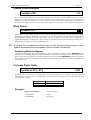
This location contains the telephone number that will be called when upload/download is requested. When
triggered, the Solution-8 will call this number to establish a communications link with the remote
computer. The computer must be running EDM ALARM LINK software.
ISSUE401.DOC
Electronics Design & Manufacturing