1
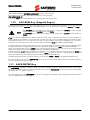
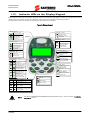
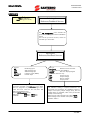
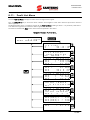
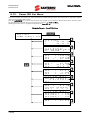
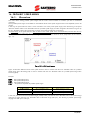
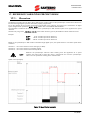
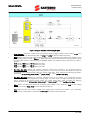
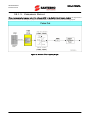
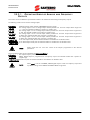
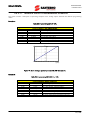
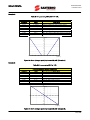
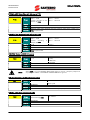
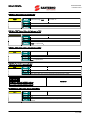
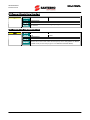
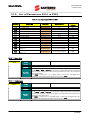
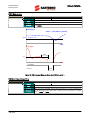
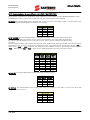
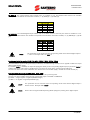
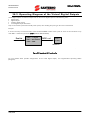
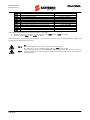
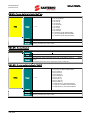
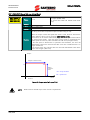
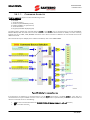
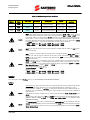
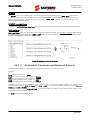
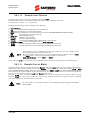
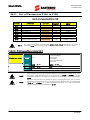
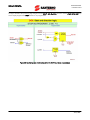
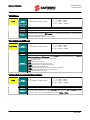
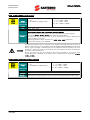
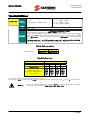
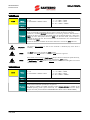
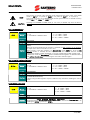
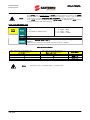
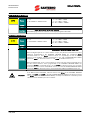
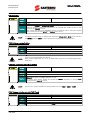
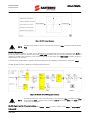
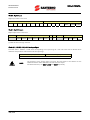
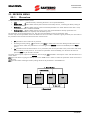
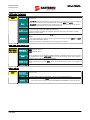
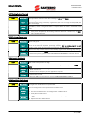
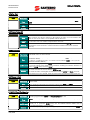
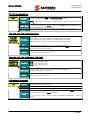
SINUS PENTA PROGRAMMING INSTRUCTIONS 1.8. RESET Key (Alarm and Control Board Reset) The RESET key is used to reset the drive after an alarm trips and the cause responsible for the alarm has been removed. Press the RESET key for more than 5 seconds to reset the control board and reinitiate it. This procedure may be useful when changes made to Rxxx parameters (which activate only after resetting the equipment) must immediately come to effect, with no need to switch off the drive. 1.9. TX/RX Key (Download/Upload from/to the Keypad) Use the keypad to perform the UPLOAD (parameters stored in the drive are copied to the keypad) and DOWNLOAD (parameters stored in the keypad are copied to the drive) functions. Press the TX/RX key to go to the UPLOAD page; press the TX/RX key again to toggle between the UPLOAD and DOWNLOAD pages. NOTE NOTE A Warning is displayed (one among W41 to W46) when trying to DOWNLOAD parameters to a drive whose SW Version, IDP, PIN or current/voltage classes are different from those of the drive previously used for parameter UPLOAD. In that case, download is not allowed. The DOWNLOAD function allows the parameters stored in the keypad to be copied to the drive. However, parameters are not stored to the non-volatile memory of the drive. To store the downloaded parameters to the non-volatile memory of the drive, go to the EEPROM menu and execute a “Save Work” command once the download procedure is complete. Otherwise, when power is lost, the parameters downloaded to the drive are lost. The TX/RX key is disabled under the following conditions: no password is entered in P000 the OPERATOR mode is activated with the MENU Key (P264b = OPERATOR) the drive is running. In the example below, you can go to the UPLOAD page from any page (the upper LED starts flashing). If you then press the TX/RX key, you can go to the UPLOAD and DOWNLOAD pages. Any page A N Y P A G E TX/RX P i p t UPLOAD Page a r a m e t e r U P L O A D n v e r t e r k e y p a d : r e s s S A V E / E N T E R o c o n f i r m P k p t DOWNLOAD a r a m . D O WN e y p a d i n v e r e s s S A V E / o c o n f i r m TX/RX Page L O A D r t e r : E N T E R TX/RX TX/RX Press SAVE/ENTER from the UPLOAD (/DOWNLOAD) page to confirm UPLOADING (/DOWNLOADING). The relevant LED will come on (fixed light). If the SAVE/ENTER key is not pressed for confirmation within 10 seconds from the selection of the UPLOAD (/DOWNLOAD) page, the starting page is automatically displayed. While UPLOADING, W08 UPLOADING (flashing warning) appears. If parameters are successfully uploaded, the following warning appears: W11 UPLOAD OK If not, the W12 UPLOAD KO warning appears. Retry parameter upload. 22/428