1
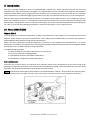
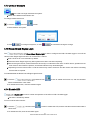
11. When plot is not able to be displayed in one screen, use the
play button.
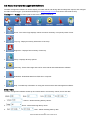
12. To change play speed, select from the Step drop-down list to
13. Use
to scroll plots back to the first frame or use
move the cursor
change.
to scroll forth to the last frame. Also you are allowed to
to a desired place to view.
14. To stop playing of plots, use the
button.
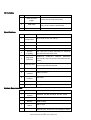
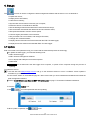
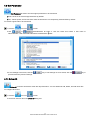
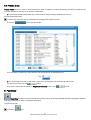
15. To view data of another trip, select from the Trip drop-down list as illustrated below.
√ You are allowed to use the up and down arrow keys of your computer keyboard to scroll through trip records.
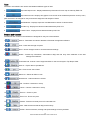
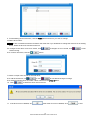
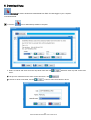
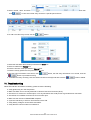
16. If incorrect vehicle and/or driver are associated with the trip, use the drop-down lists to change and then click
to save the changes.
IMPORTANT: Make sure trip information is associated with correct vehicle; otherwise DTCs may not be matched when
there is manufacturer specific code detected.
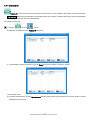
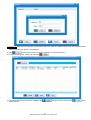
17. If plots to be saved and exported to spreadsheet, use the
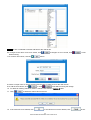
18. If plots to be deleted, use the
button.
button.
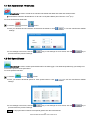
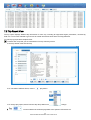
19. If plots to be printed, use the
button.
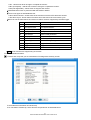
20. When there is error detected in the engine control unit, all DTCs and detected time shows in the dialog box at the
lower left part of the screen.
√ If no error detected, a “No error” message displays.
29
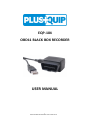
EQP-104 Black Box Recorder User’s Guide V2.00