1
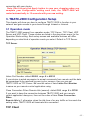
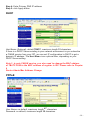
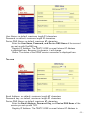
Force Packet Transm it Tim e (m s): default 40, range 20 to 65535
The tim ing of transm itting an Ethernet packet, in order to get the whole data in on
packet, you can tune this setting value to fit the data length of your device per
transm ission. The m ore sm all value be set will get m ore less data in one packet.
RS422
The settings are sim ilar with RS232.
RS485
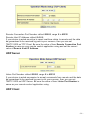
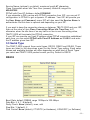
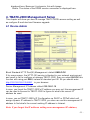
RS485 Transm ission Delay Tim e (m s): default 0, range 0 to 65535
Due to different device has different capability in handling data received from
serial port. So you can tune this setting value to slow down the speed of
TBATC -2000 to fit the speed of your device handling.
3.4 I/O State Setup
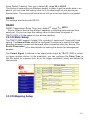
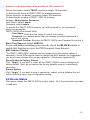
The TBATC -2000 support 6 digital I/Os, including 3 output and 3 input with fixed
setting. The Norm al State should be configured in advance to specify the state
changing between norm al and abnorm al when connecting with your device. The
Device Description is for adm inistrator to nam ing the device for m anagem ent
purpose.
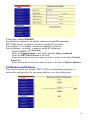
The O utput Signal is defined to the signal state output by TBATC -2000 to inform
or trigger another device. In the m eantim e, you can configure the Delay T im e to
last the signal for a period tim e. As to the trigger conditions (rules) are defined in
next section.
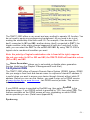
3.5 I/O Mapping Setup
- 20 -