1
USING THE WINDOWS USER INTERFACE
6
55
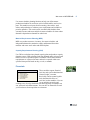
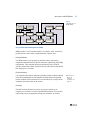
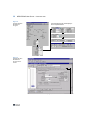
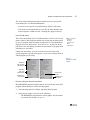
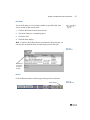
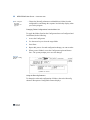
You can open folders by single-clicking on the folder tab, but the
system does not automatically open them as it does a configured
folder when you cycle through the folders.
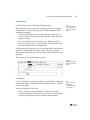
Fig. 2.20
Folders in OBCM
Programs
Configured folder
On-demand folder
Queue Menu
This menu currently has no effect.
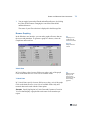
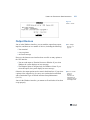
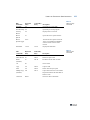
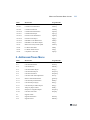
Options Menu
The content of the Options menu varies based on whether you access it
from a menu, a standard program, a browse, or an OBCM program. To
turn an option on or off, pull down the menu and choose the option (or
type its first letter). A check mark next to an option shows that it is on. If
an option is grayed out, it is unavailable.