1
Professional, Creditable, Successful
DGUS_SDK User Guide V4.9.0
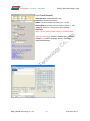
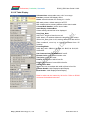
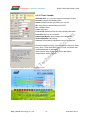
2.1 Touch Config.
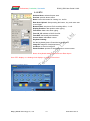
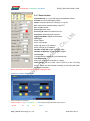
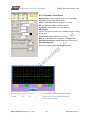
2.1.1 Popup Window
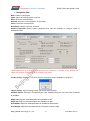
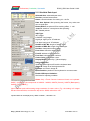
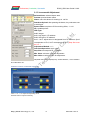
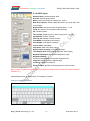
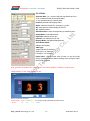
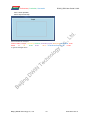
Selected Area: selected button area.
Preview: preview button effect.
Name: name this button for viewing it in .xls (Excel) file.
Data Auto Upload: after pressing the button, key code auto sent to
serial port.
Button Effect: set picture ID for touching effect, -1: null.
VP: variable pointer.
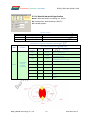
VAR Type:
INT: write key code in VP address (word).
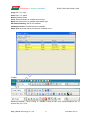
High Byte: write low byte of key code in high byte of VP.
Low Byte: write low byte of key code in low byte of VP.
Bit: write data from last bit of key code into designated bit of VP
address. (0x10 corresponds to VP.0, 0x1F corresponds to VP.F).
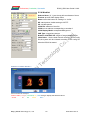
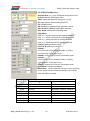
Popup Window: set window picture ID and window area.
Image ID: image ID of window picture.
Cut Area: cut area in image ID.
Paste Position: position of window on current screen.
Note: Only <Touch Control> buttons will work on popup window.
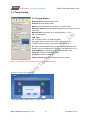
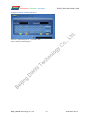
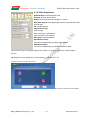
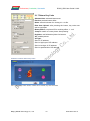
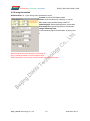
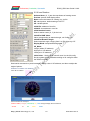
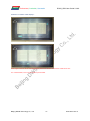
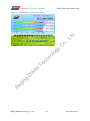
Illustration of button <Popup Window>:
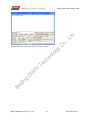
Click <Stop> button - Window pops up - Select YES/NO.
Beijing DWIN Technology Co., Ltd.
8
www.dwin.com.cn