1
Parameterization Software Version 4.0
57
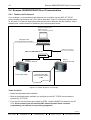
4.2.2 Serial Parameterization
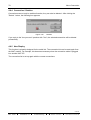
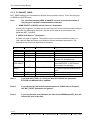
This functionality will be supported by the next Firmware-Release.
4.2.3 File (offline)
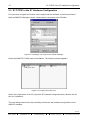
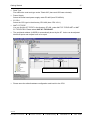
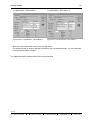
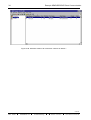
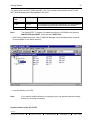
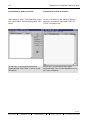
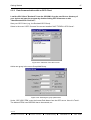
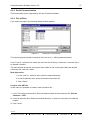
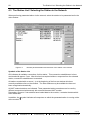
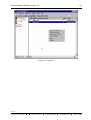
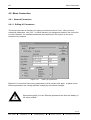
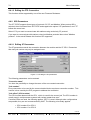
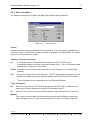
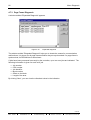
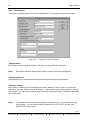
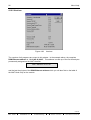
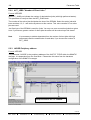
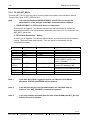
If you select this option the following dialog window appears:
Figure 4-2
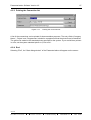
Loading the connection file
This window permits another connection file to be set (i.e., offline parameterization).
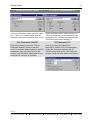
In the "Look in:" selection box select the drive and the directory in which the connection file to
be loaded is located.
The main window shows the connection files located on the current path. Mark the desired
connection file, and click "Open".
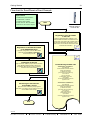
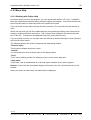
Brief instruction:
1. In the "Look in:" selection box, select the desired directory.
2. In the file selection box, select the desired connection file.
3. Click "Open."
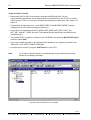
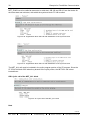
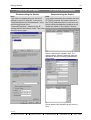
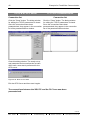
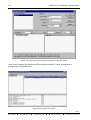
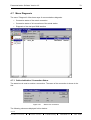
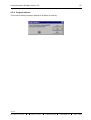
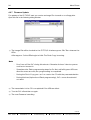
Create a new .NET file
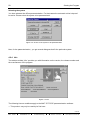
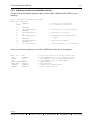
In this menu it is possible to create a new connection file.
1. In the "File name" selection box: Enter the desired name of the connection file. Use the
extension *.NET
2. In the file selection box: Select the desired directory, in which the connection file shall be
located
3. Click "Open"
0101-001
Fax +49 911 / 5 44 27-27
l
( +49 911 / 5 44 27-0
l
D-90482 Nürnberg
l
Ostendstraße 115
l
INAT GmbH