1
Chapter 5
235
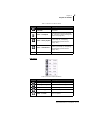
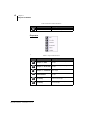
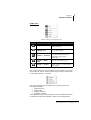
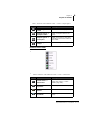
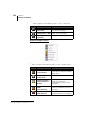
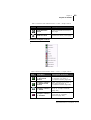
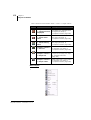
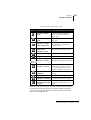
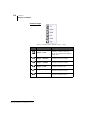
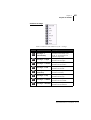
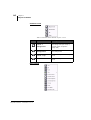
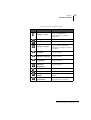
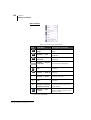
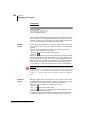
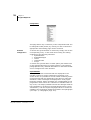
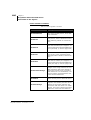
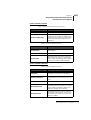
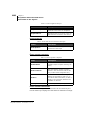
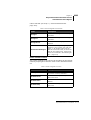
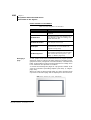
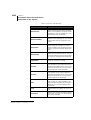
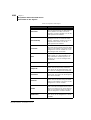
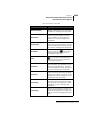
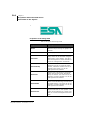
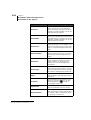
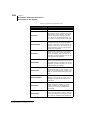
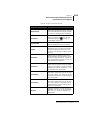
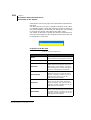
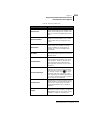
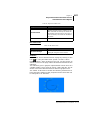
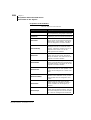
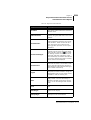
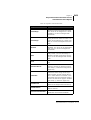
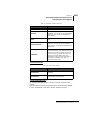
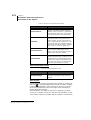
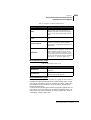
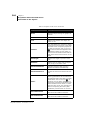
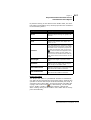
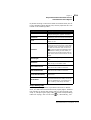
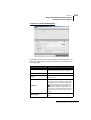
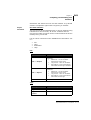
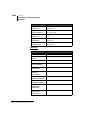
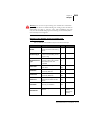
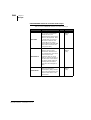
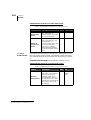
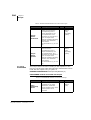
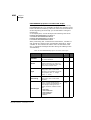
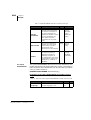
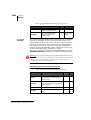
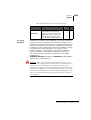
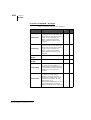
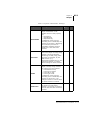
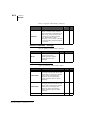
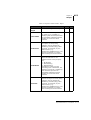
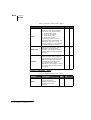
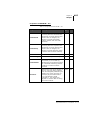
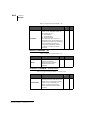
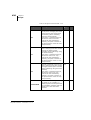
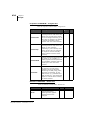
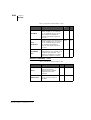
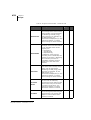
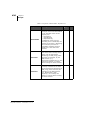
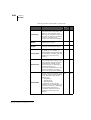
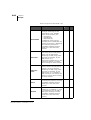
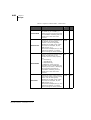
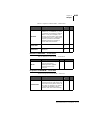
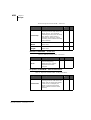
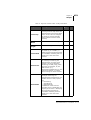
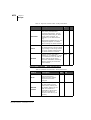
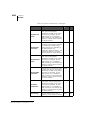
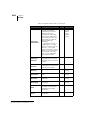
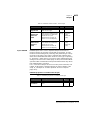
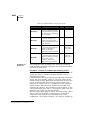
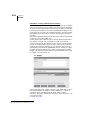
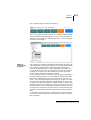
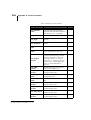
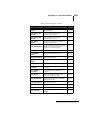
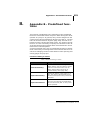
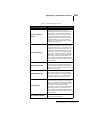
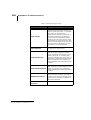
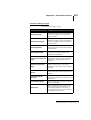
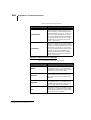
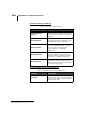
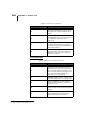
Properties and Events that can be
associated to the objects
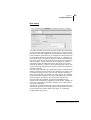
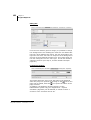
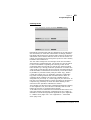
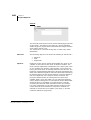
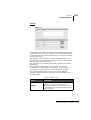
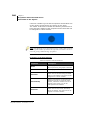
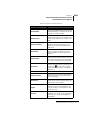
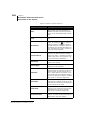
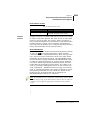
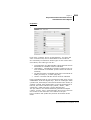
Properties
Description
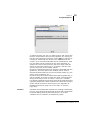
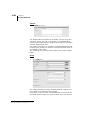
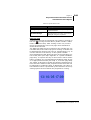
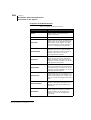
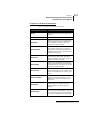
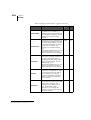
TagId
Reference variable for the value to be
displayed. This is a numerical variable.
Using the appropriate keys you can
create a new variable or edit an existing one
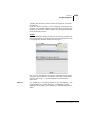
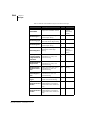
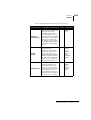
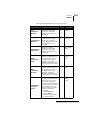
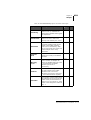
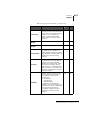
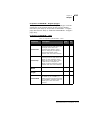
TextBlink
Determines the flashing of the text;
the possibilities are No Blinking, Slow
blinking or Rapid Blinking. The value
can be associated with Tag or it can be
managed with thresholds
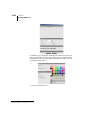
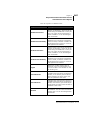
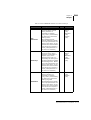
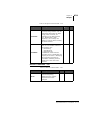
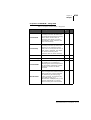
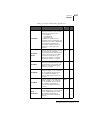
TextColor
Determines the color of the Field text
which can be selected using the RGB
code or color palette. The value can be
assigned to a whole variable or it can
be managed with thresholds
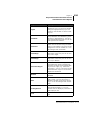
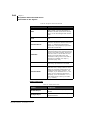
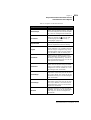
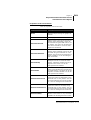
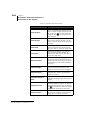
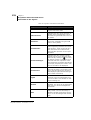
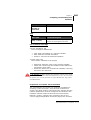
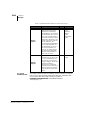
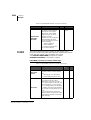
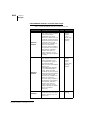
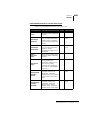
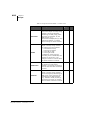
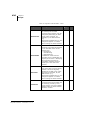
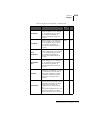
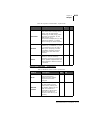
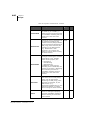
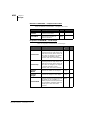
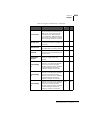
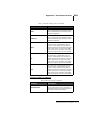
TextHAlign
Determines the type of horizontal
alignment of the text; this can be Center, Left or Right
TextVAlign
Determines the type of horizontal
alignment of the text; this can be Center, Top or Bottom
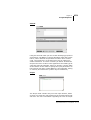
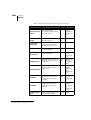
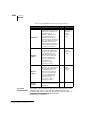
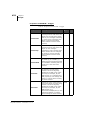
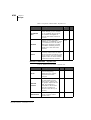
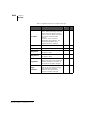
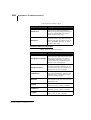
TruncationDigits
Indicates the number of digits to be
truncated when finally representing
the field; the digits are truncated starting from the right (e.g. 1456 when
truncation = 2 is 14). The value can be
associated with Tag or it can be managed with thresholds
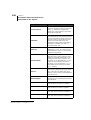
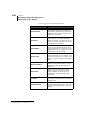
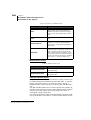
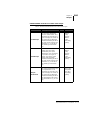
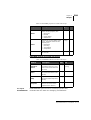
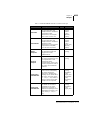
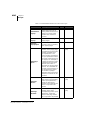
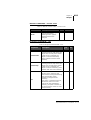
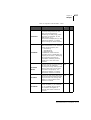
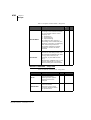
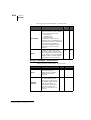
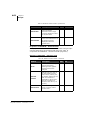
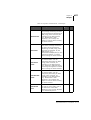
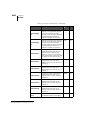
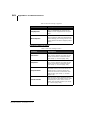
Disable
Indicates whether the field should be
disabled
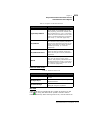
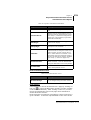
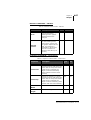
Hide
Determines whether the object is initially visible. You can also assign a
Boolean variable (for Runtime changes) or it can be managed with thresholds
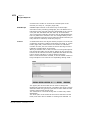
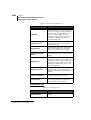
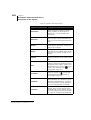
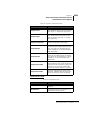
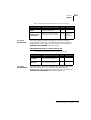
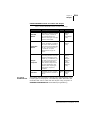
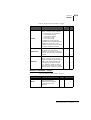
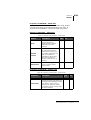
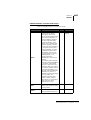
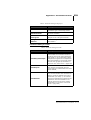
LeadingZeroes
Indicates if zeroes should be set before
the significant digits; e.g. if True
000541 will be displayed, otherwise it
will simply be 541
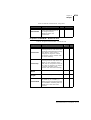
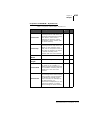
Lock
Determines if the object can move or
not
Polymath SmartClick - User Manual - rev. 1.0