1
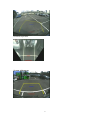
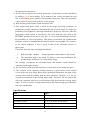
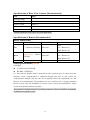
Example
This figure illustrates the output image after the system adjustment is activated (by
press the MENU/SAVE button), where the height of the camera is set as 180cm (as
shown in sequences). When user presses the SELECT button several times the
overlook activation mode is shown and the overlook mode activation condition is set
as manual mode activation. When the volume button is pressed, the mode can be
changed to ultrasonic-based activation mode.
12