1
Stage Settings
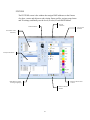
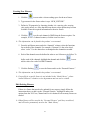
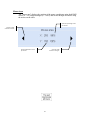
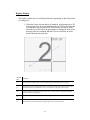
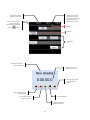
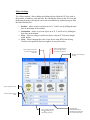
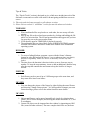
The “Stage settings” allows editing all aspects of the stage including dimensions,
brightness, textures of walls, floor and ceiling, etc.
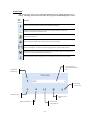
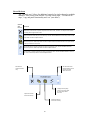
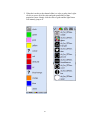
Set the unit of measurement to either meters or feet Adjust the overall brightness of the 3D View Type in the exact numbers for the width, height and depth of the 3D View Check the boxes to the walls you want to show. If the box is not checked, the wall will not appear in the 3D View Import your own image and set it as the ground, walls or ceiling… or use the textures that are built in 51