1
TurningPoint 5.3
Correct and Incorrect
Comparison
147
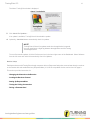
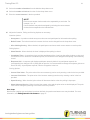
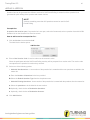
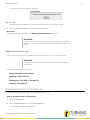
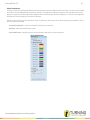
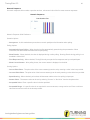
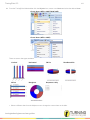
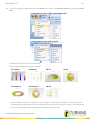
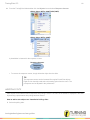
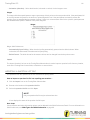
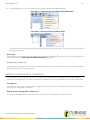
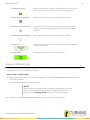
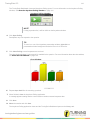
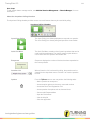
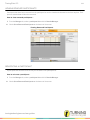
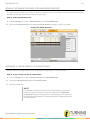
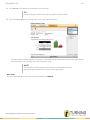
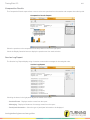
The Correct and Incorrect Comparison button toggles the chart
colors to reflect red for incorrect response answers and green for
correct response answers. Clicking this button again returns the
chart to its original view.
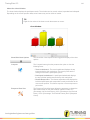
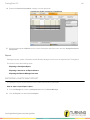
Correct answers can be set by clicking on the answer choice(s) that
are correct. They can be toggled to incorrect if necessary.
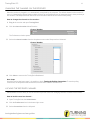
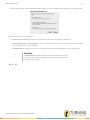
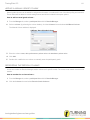
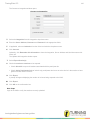
Compare with question
drop-down menu
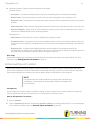
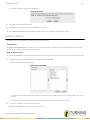
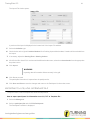
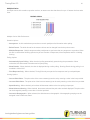
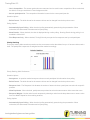
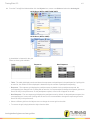
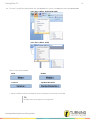
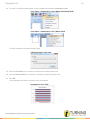
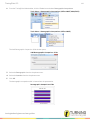
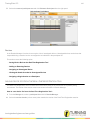
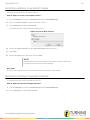
The Compare with question drop-down menu allows the presenter to
compare the results of the current question with results from a
previously answered multiple choice question.
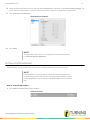
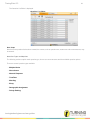
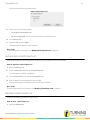
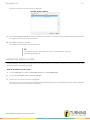
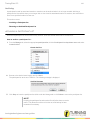
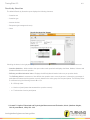
Chart Button
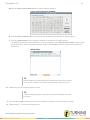
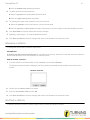
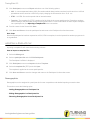
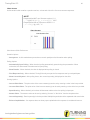
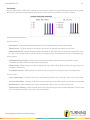
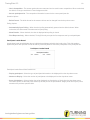
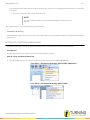
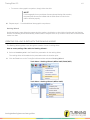
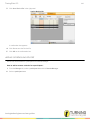
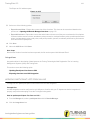
When showing short answer and numeric response results, a toggle
button for Charts and Tables is displayed. The chart will display a
graph of responses collected.
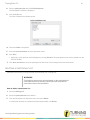
Table Button
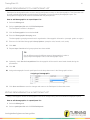
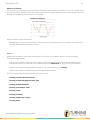
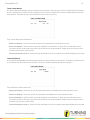
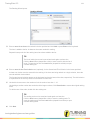
The Table will display a table of responses and the number of
participants that responded with that answer.
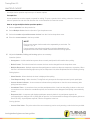
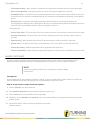
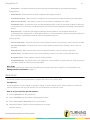
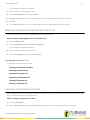
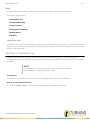
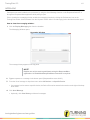
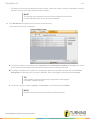
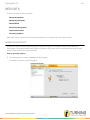
Quick Poll Question Types
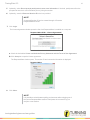
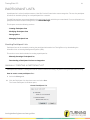
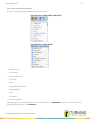
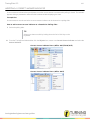
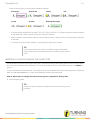
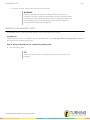
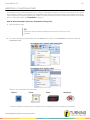
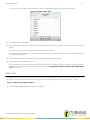
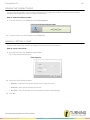
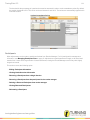
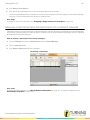
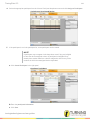
There are several Quick Poll question types available for Anywhere Polling. To use a Quick Poll question, click on the
Quick Poll Menu and select the desired question type.
Question Types
turningtechnologies.com/user-guides