1
Viewing an alarm
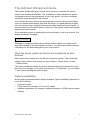
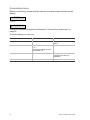
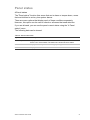
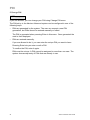
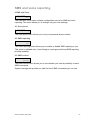
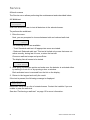
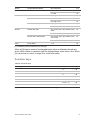
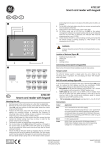
After disarm, all the alarms are listed on the screen.
Alarm
Pending >0<
Zone 1
Pending >0<
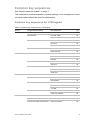
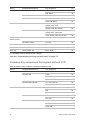
The first screen shows the type of the alarm. The second shows the source of
the alarm. The second line shows if there are more alarms for this source.
Resetting an alarm
To switch off sirens or bells, you must unset the appropriate area.
If an alarm is active, the reset procedure is the same as for a standard unset.
After the system is unset, you are prompted to acknowledge the alarms. This is
possible only if the problem has been resolved.
Acknowledging the alarm
If you are permitted, you can acknowledge the alarm by pressing Off.
The alarm cannot be acknowledged if its cause is still active, for example, if there
is a zone tamper. The fault should be fixed prior to acknowledging the alarm
caused by this fault.
All alarms must be acknowledged. A counter during the alarm acknowledgement
process indicates the number of outstanding alarms to still be acknowledged. If
you don't acknowledge the alarms after the unset, you are prompted to do so
before next set or after the next unset, until all alarms are acknowledged.
Performing a walk test
If the system is programmed for user walk tests, sometimes while setting the
area, the system may ask you to perform the area walk test. To pass the walk
test, you need to go to all the zones displayed. The system lists all zones still to
be tested. The manager of the alarm system must inform users which zones
must be tested to pass the walk test.
The necessity of the walk test depends on:
•
System settings
•
Activity of the programmed zones in last 4 hours
You can perform the walk test manually using “8.2 Walk test” menu (described
on page 24).
Advisor Advanced User Guide
15