1
QUASAR™ IsoCenter Cube QA Software and Phantom
User’s Guide
Contents
Legal & Copyright Notice .................................................................................................. 2
Background ...................................................................................................................... 5
Winston-Lutz IGRT Test ................................................................................................................. 5
Overview ........................................................................................................................................ 5
Winston-Lutz Phantom .................................................................................................................. 6
Phantom Dimensions ..................................................................................................................... 6
QUASAR™ IsoCenter Cube Software ............................................................................................ 6
CT Scan and Planning ................................................................................................................... 7
R+V Setup ..................................................................................................................................... 7
IGRT Alignment and Film/EPID Exposures ..................................................................................... 8
Exposure Analysis .......................................................................................................................... 9
Varian 21iX Reproducibility Results ................................................................................................ 9
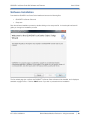
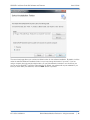
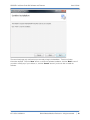
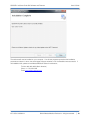
Software Installation ........................................................................................................ 10
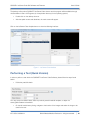
Performing a Test (Quick Version) ................................................................................... 14
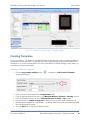
Creating Templates ......................................................................................................... 16
Defining a Threshold Template .................................................................................................. 16
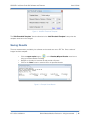
Saving Results ................................................................................................................ 17
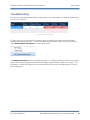
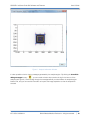
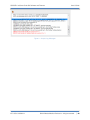
Troubleshooting .............................................................................................................. 18
Warranty and Support..................................................................................................... 21
Modus Medical Devices Inc. Limited Warranty .......................................................................... 21
Customer Support .......................................................................................................... 21
ICC-UG3.0-05282014
©2014 Modus Medical Devices Inc. All rights reserved.
|
3