1
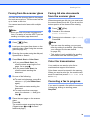
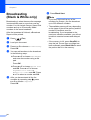
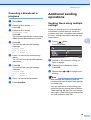
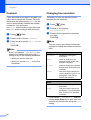
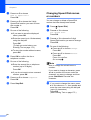
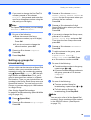
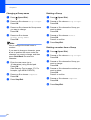
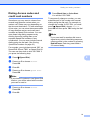
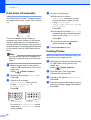
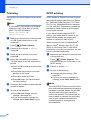
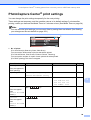
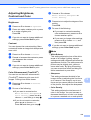
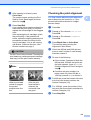
Chapter 12 Enhance Skin-Tone 12 Enhance Skin-Tone is best used for adjusting portrait photographs. It detects human skin color in your photos and adjusts the image. a b c d Make sure you have put a memory card or USB Flash memory drive in the proper slot. Press (Photo Capture). Enhance Scenery Enhance Scenery is best used for adjusting landscape photographs. It highlights green and blue areas in your photo, so that the landscape looks more sharp and vivid. a Press a or b to choose Enhance Photos. Press OK. Make sure you have put the memory card or USB Flash memory drive in the proper slot. Press (Photo Capture). b Press d or c to choose your photo. Press OK. Press a or b to choose Enhance Photos. Press OK. c Press a or b to choose Enhance Skin-Tone. Press OK. Press d or c to choose your photo. Press OK. d Press a or b to choose Enhance Scenery. Press OK. Note You can also adjust the effect level manually, by pressing a or b. e f Press OK and a or b to increase or decrease the number of copies. Do one of the following. Press OK and change the print settings. (See page 99.) If you do not want to change any settings, press Color Start to print. 94 Note You can also adjust the effect level manually, by pressing a or b. e Press OK and a or b to increase or decrease the number of copies. f Do one of the following. Press OK and change the print settings. (See page 99.) If you do not want to change any settings, press Color Start to print. 12