1
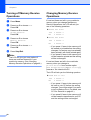
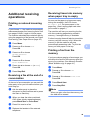
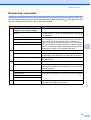
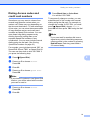
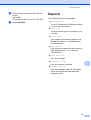
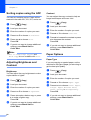
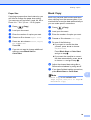
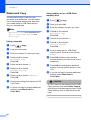
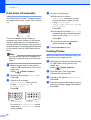
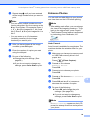
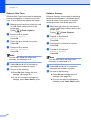
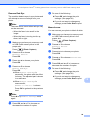
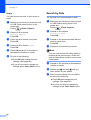
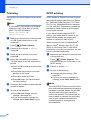
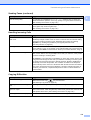
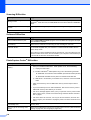
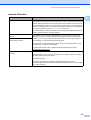
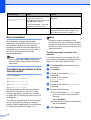
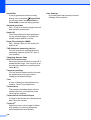
Printing Reports f g Enter the time to start printing in 24-hour format. Press OK. (For example: enter 19:45 for 7:45 PM.) Press Stop/Exit. Reports 9 The following reports are available: Transmission Prints a Transmission Verification Report for your last transmission. Help List A help list showing how to program your machine. Quick Dial Lists names and numbers stored in the Speed Dial memory, in alphabetical or numerical order. Fax Journal Lists information about the last incoming and outgoing faxes. (TX: Transmit.) (RX: Receive.) User Settings Lists your settings. Network Config 9 Lists your Network settings. Caller ID hist. Lists the available Caller ID information about the last 30 received faxes and telephone calls. 73