1
Opticon
H15
User Manual
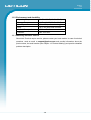
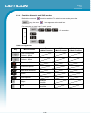
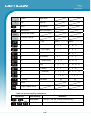
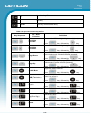
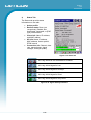
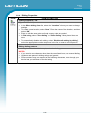
Icon
Description
Unknown device icon
Device is not defined
Locked icon
Device is locked and can not be bonded to.
Not locked icon
Device is not locked and can be bonded to.
Bluetooth device icon
Bluetooth device
Bonded device icon
Bonded Bluetooth device
Mobile device icon
Device is a mobile device
Phone icon
Device is a phone.
Printer icon
Device is a printer
Network icon
Device is a network.
Linked icon
Device is linked.
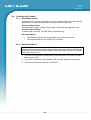
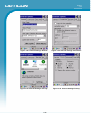
Figure 3-12. Bluetooth Icons
3.2.2. Certificates
Certificates are used by some applications for establishing trust and for secure
communications.
Certificates are signed and issued by certificate authorities and are valid for a
prescribed period of time. Windows CE manages multiple certificate stores.
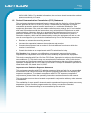
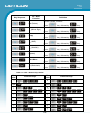
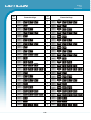
ICON
ITEM & FUNCTION
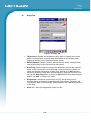
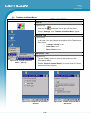
“Store” Tab:
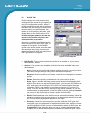
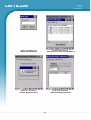
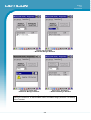
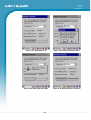
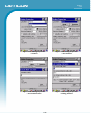
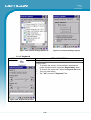
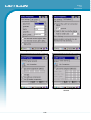
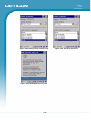
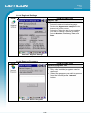
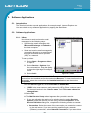
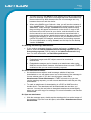
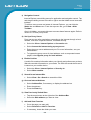
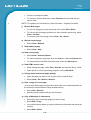
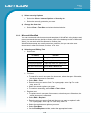
• In the Stores tab, select the certificate store you wish to view or
modify from the drop-down list. (Figure 3-13)
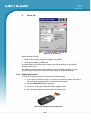
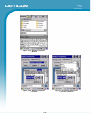
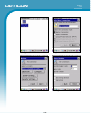
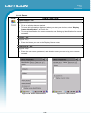
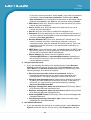
• The “Trusted Authorities “store lists the top-level certificates for
authorities you trust. (Figure 3-14 , Figure 3-15)
• Intermediate certificate authorities that help establish a chain of
trust are stored in the “Other Authorities” store.
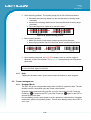
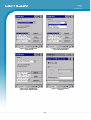
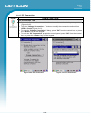
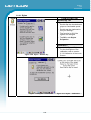
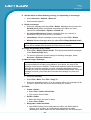
• To add a certificate or associated private key to the selected store,
select “Import” (Figure 3-16).
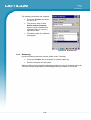
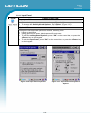
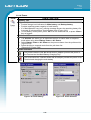
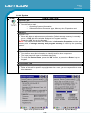
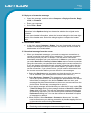
• The “My Certificates “store contains your personal certificates,
which you use to identify yourself (Figure 3-17).
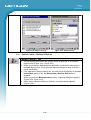
• To view more details of the selected certificate, such as the
expanded name or expiration date, choose “View”.
• To delete the selected certificate from the store, choose “Remove”.
3-6