1
Chapter 5 Tutorials
2
76
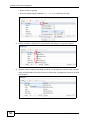
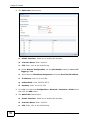
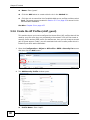
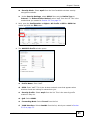
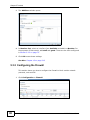
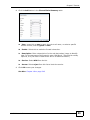
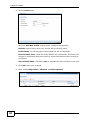
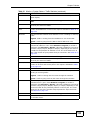
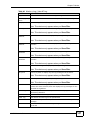
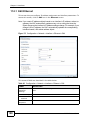
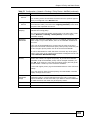
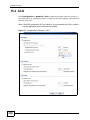
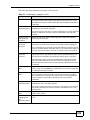
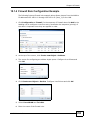
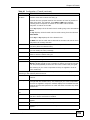
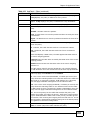
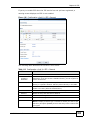
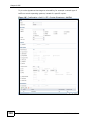
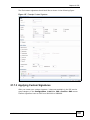
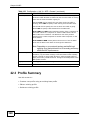
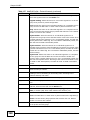
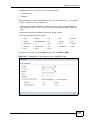
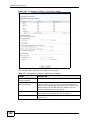
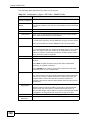
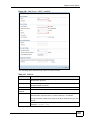
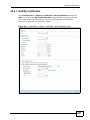
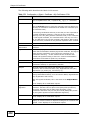
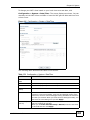
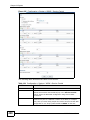
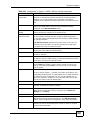
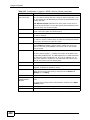
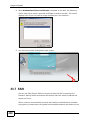
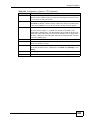
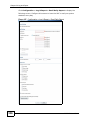
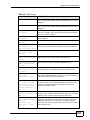
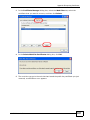
The Add VLAN window opens.
2a
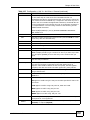
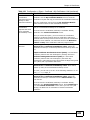
Enable Interface: Select this to enable this interface.
2b
Interface Name: Enter ‘vlan101’.
2c
VID: Enter ‘101’ as the VLAN ID tag.
2d
Under Member Configuration, set the ge1 Member status to Yes and TX
Tagging to Yes.
2e
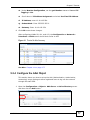
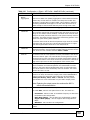
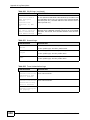
Scroll down to IP Address Assignment and select Use Fixed IP Address.
2f
IP Address, enter 10.10.101.254.
2g
Subnet Mask: Enter 255.255.255.0.
2h
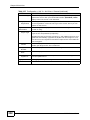
Gateway: Enter 10.10.101.254.
3
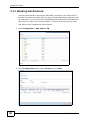
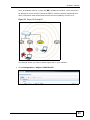
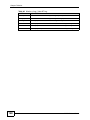
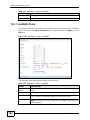
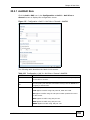
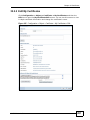
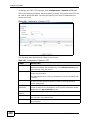
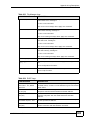
For VLAN 102: Open the Configuration > Network > Interface > VLAN screen
then click the Add button.
4
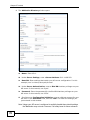
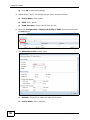
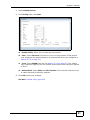
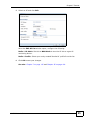
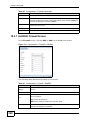
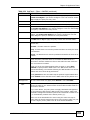
The Add VLAN window opens.
4a
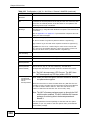
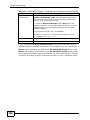
Enable Interface: Select this to enable this interface.
4b
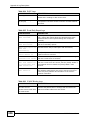
Interface Name: Enter ‘vlan102’.
4c
VID: Enter ‘102’ as the VLAN ID tag.
NXC5200 User’s Guide