1
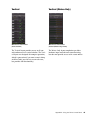
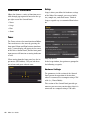
FX Sends Mode
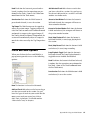
About
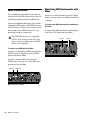
Pre-Fader FX Sends
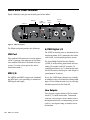
The About pop-up menu allows you to view the
firmware version of the Mbox hardware, and the
package version of the Mbox driver installer.
When Pre-Fader FX Sends is selected, the full audio signal will be sent to the FX Sends, regardless
of the position of the Channel Faders of stereo
mix 1–2.
Post-Fader (Mix 1/2) FX Sends
When Post-Fader (Mix 1/2) is selected, the audio
signal level being sent to the FX Sends will be affected by the position of the Channel Faders of
Stereo Mix 1.
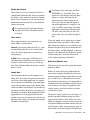
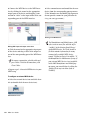
Flow
Clicking the Flow pop-up menu opens a display
showing the signal flow from the inputs to the
outputs of Mbox. This is a useful reference for
understanding the path of an audio signal flowing through Mbox.
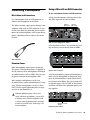
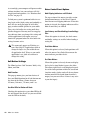
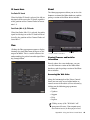
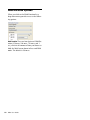
Firmware and driver information
Web links
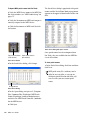
Viewing Firmware and Installer
Information
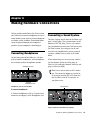
Directly above the status indicators, you can
view the firmware version of the Mbox Mini
hardware, and the package version of the Mbox
driver installer.
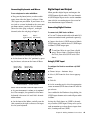
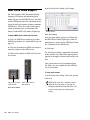
Accessing the Web Links
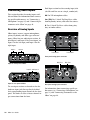
Along the bottom-right of the Driver Control
Panel you can easily access helpful online resources on our Avid website (www.avid.com) by
clicking on the following pop-up menus:
• Manual
• Updates
• Support
• FAQs
• Register
Clicking on any of the “Web links” will
open your web browser. Your computer must
have Internet access for these pages to load.
Appendix A: Using the Driver Control Panel
49