1
 Step2. Set up network environment
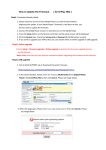
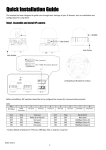
The default IP address of your IP device is 192.168.XXX.XXX. You can find the available IP address from the MAC address of your device. Please make sure the device and your PC are on the same network segment before running the installation. If the network segment was different between your PC and the device, change your PC’s settings as below. IP address : 192.168.xxx.xxx Subnet mask: 255.255.0.0 2010/2‐1 2