1
Using Menu Commands
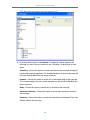
Window menu
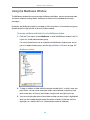
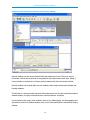
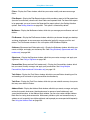
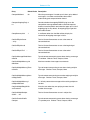
Cascade—Display all open normal Eudora windows in a cascading fashion (diagonally offset
from each other in a stack).
Tile Horizontal—Display all open normal Eudora windows in a tiled (edge to edge) fashion
with horizontal edges touching (top to bottom).
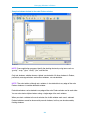
Tile Vertical—Display all open normal Eudora windows in a tiled (edge to edge) fashion with
vertical edges touching (left to right).
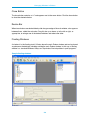
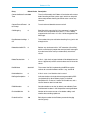
Arrange Icons—Arrange all Eudora window icons, representing minimized normal Eudora
windows, in a line at the bottom of the Eudora main window work area. These icons are also
represented by buttons on the Eudora taskbar.
Send To Back—Send the topmost open normal Eudora window to the back of all displayed
windows. A tabbed window group is considered a single window for this purpose.
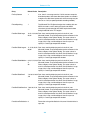
[Your Windows]—All normal Eudora windows that are open appear here. Tabbed windows
are represented as single windows, identified by the currently active window in the group.
Select the desired window to bring that window (or the tabbed group containing it) to the front
of all displayed windows.
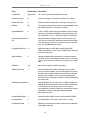
Help Menu
Go to this menu to get help, read a tip, change mode, register, insert system configuration, or
see information about this release.
289