1
MIME and Mapping
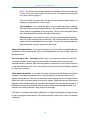
The major content types are:
text, legible text
image pictures and graphics
audiosound
video moving pictures
message, messages, or pieces of messages
multipart,several different kinds of data in a single message
Practical Issues
There are really only two things you sometimes need to do with Eudora and MIME. One is that
it may occasionally be necessary to turn off quoted-printable encoding. Another is that you
may want to know how to define mappings between computer file extensions, MIME types,
and Macintosh types.
Turning Off Quoted-Printable Encoding
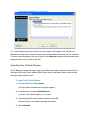
Eudora automatically uses quoted-printable encoding if your mail contains special characters.
Eudora also uses quoted-printable encoding for attached plain text files. If your recipients don’t
have MIME, quoted-printable may hurt more than it helps. If that’s the case, just turn off the
QP button in the message Toolbar when you are sending text files to those recipients.
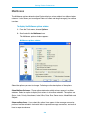
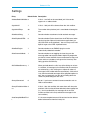
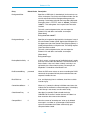
Mapping Between File Extensions, MIME Types, and Macintosh Types
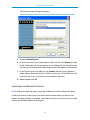
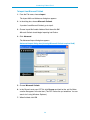
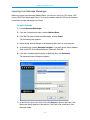
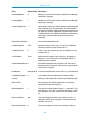
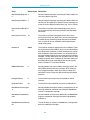
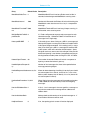
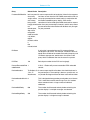
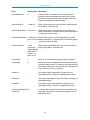
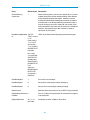
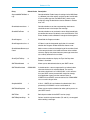
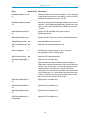
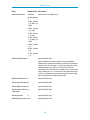
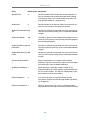
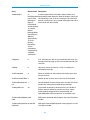
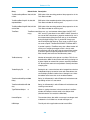
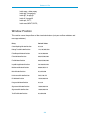
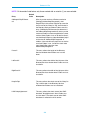
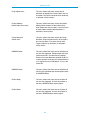
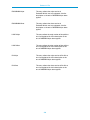
Since Eudora needs to have the appropriate extensions on attachment filenames in order to
open them up from the message, Eudora has the ability to map between file extensions, MIME
types and subtypes, and Macintosh creators and types. Messages received by Eudora can
grab the MIME type/subtype and/or Macintosh creator/type from an attachment and map that
into the correct file extension. Also, on outgoing messages, Eudora can make sure that
attachments are encoded with the correct MIME type/subtype and/or Macintosh creator/type
depending on the file extension of the attachment being sent.
421