1
Layout
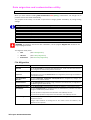
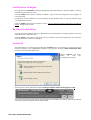
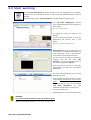
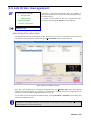
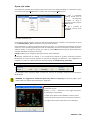
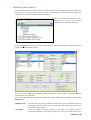
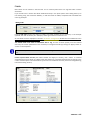
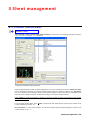
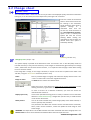
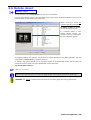
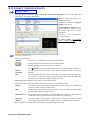
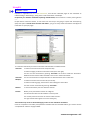
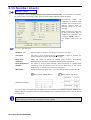
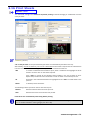
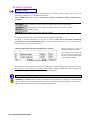
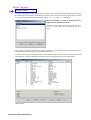
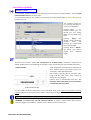
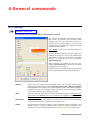
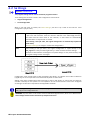
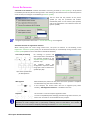
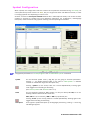
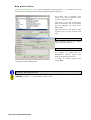
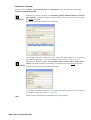
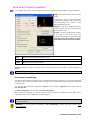
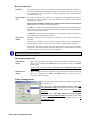
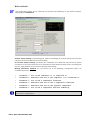
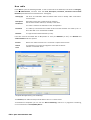
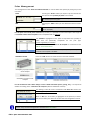
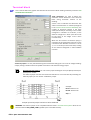
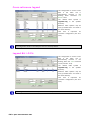
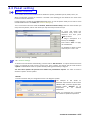
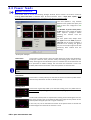
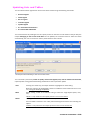
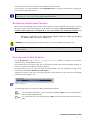
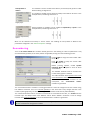
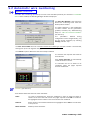
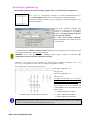
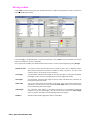
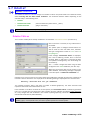
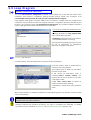
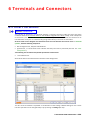
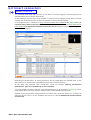
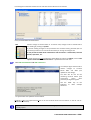
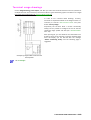
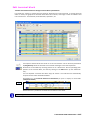
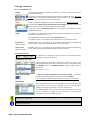
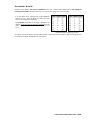
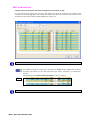
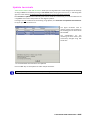
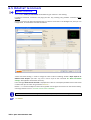
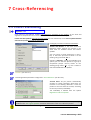
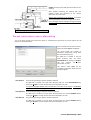
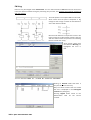
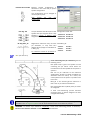
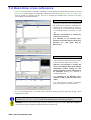
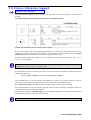
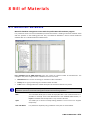
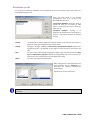
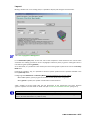
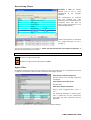
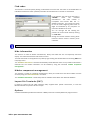
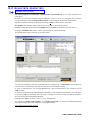
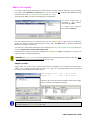
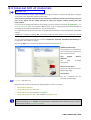
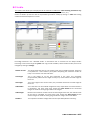
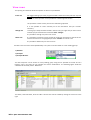
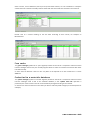
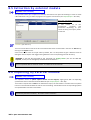
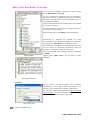
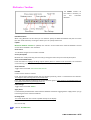
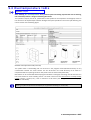
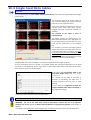
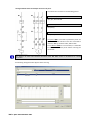
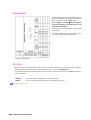
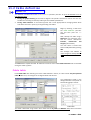
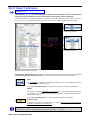
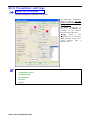
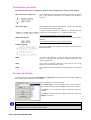
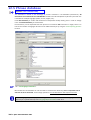
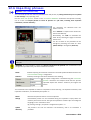
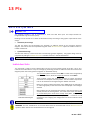
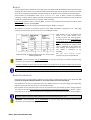
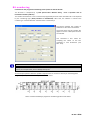
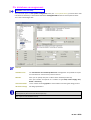
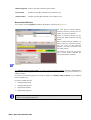
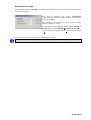
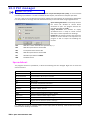
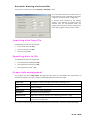
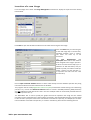
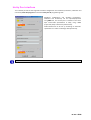
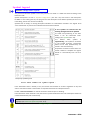
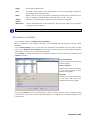
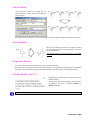
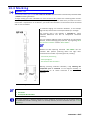
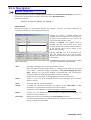
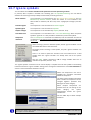
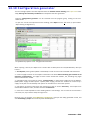
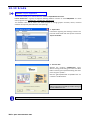
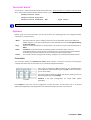
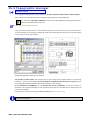
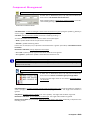
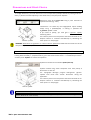
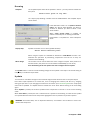
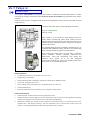
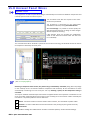
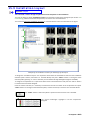
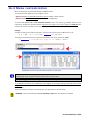
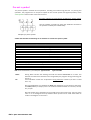
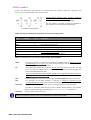
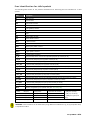
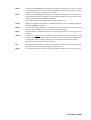
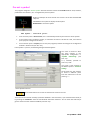
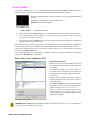
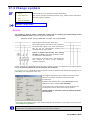
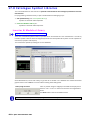
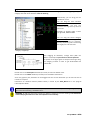
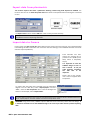
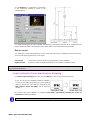
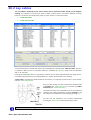
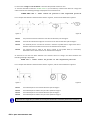
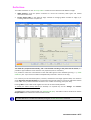
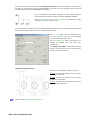
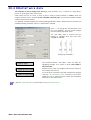
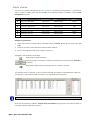
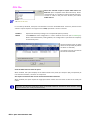
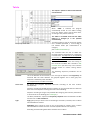
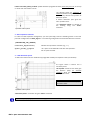
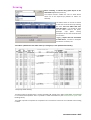
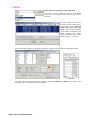
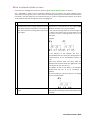
Making a double click on an existing code, it is possible to display and change its characteristics.
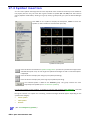
See: 15.3 Topographical Management
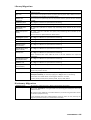
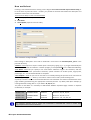
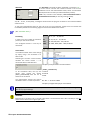
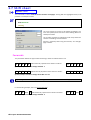
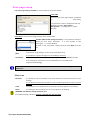
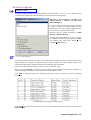
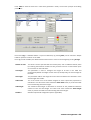
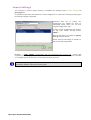
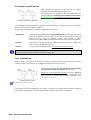
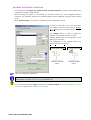
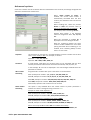
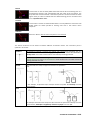
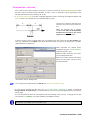
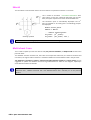
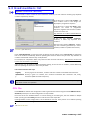
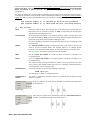
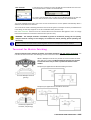
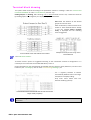
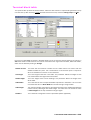
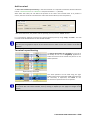
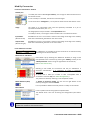
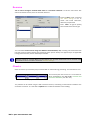
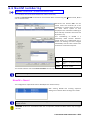
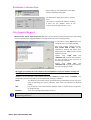
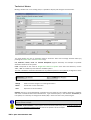
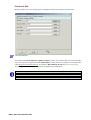
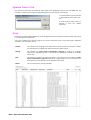
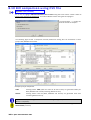
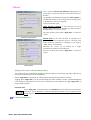
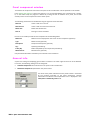
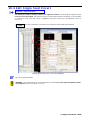
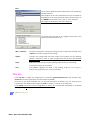
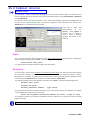
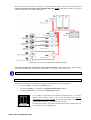
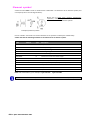
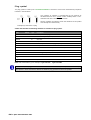
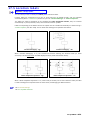
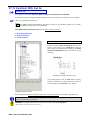
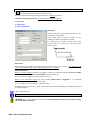
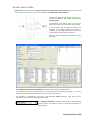
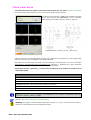
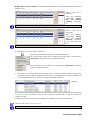
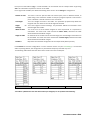
In the Dimensions (mm) field, set the real sizes of the component: these dimensions are used to make
automatic the drawing procedures for the topographic electrical panel (a generic rectangular block is
inserted using the symbol Ly_Default ).
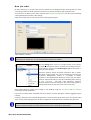
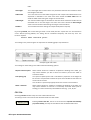
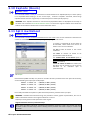
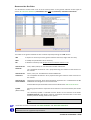
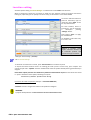
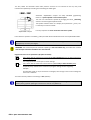
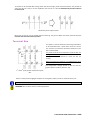
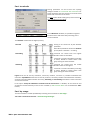
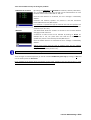
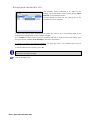
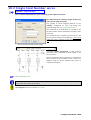
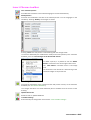
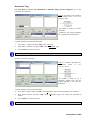
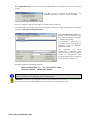
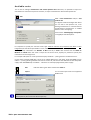
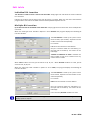
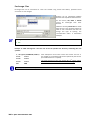
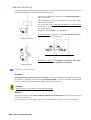
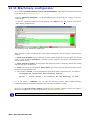
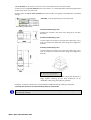
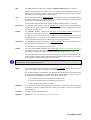
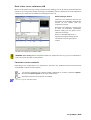
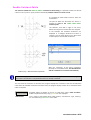
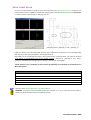
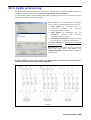
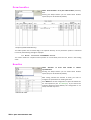
As an alternative, it is possible to insert directly the name of the graphic symbol to be used in the Re-entry
Block field.
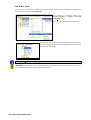
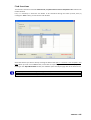
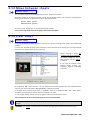
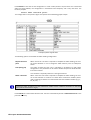
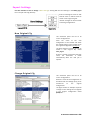
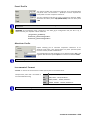
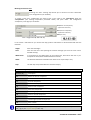
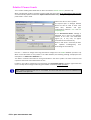
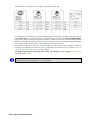
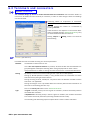
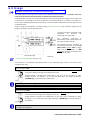
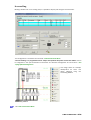
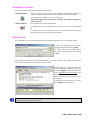
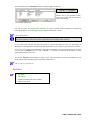
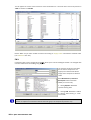
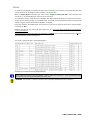
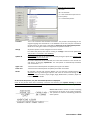
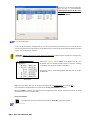
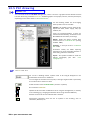
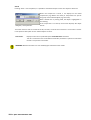
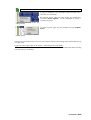
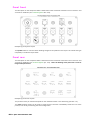
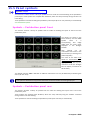
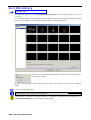
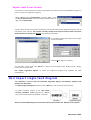
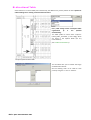
Pressing the “Browse.” key, it is possible to choose a specific symbol from the symbols available in the
Library\GestTop folder.
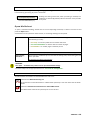
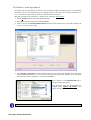
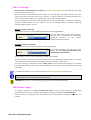
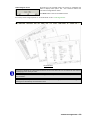
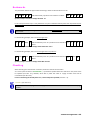
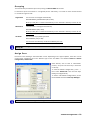
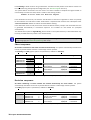
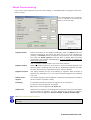
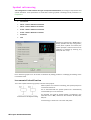
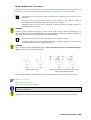
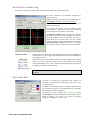
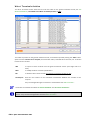
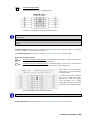
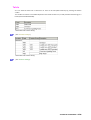
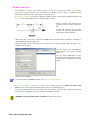
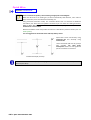
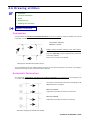
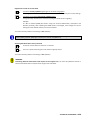
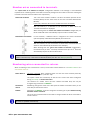
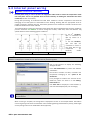
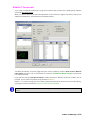
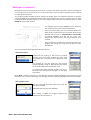
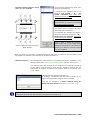
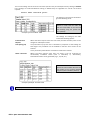
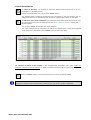
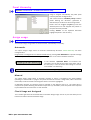
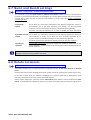
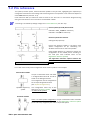
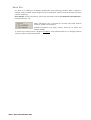
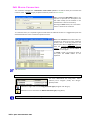
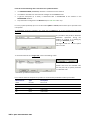
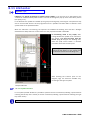
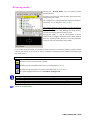
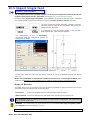
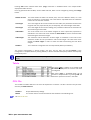
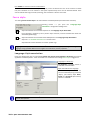
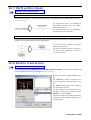
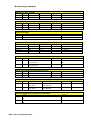
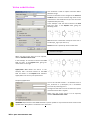
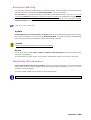
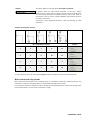
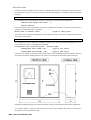
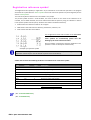
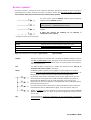
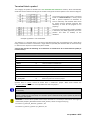
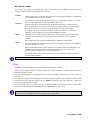
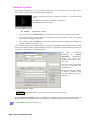
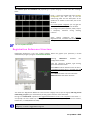
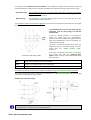
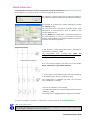
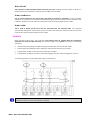
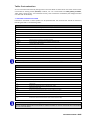
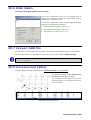
Configuring both Dimensions and Re-entry Block the priority depends on the type of block:
- With “real” symbols, priority is given to the block and the dimensions are ignored.
- With “generic” symbols, the symbol is drawn with its set dimensions.
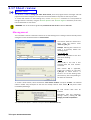
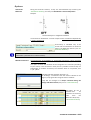
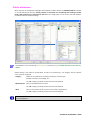
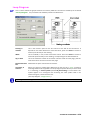
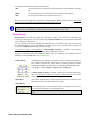
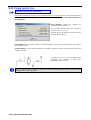
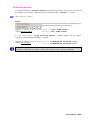
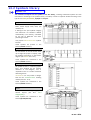
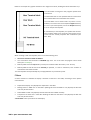
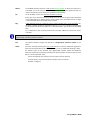
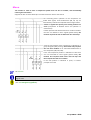
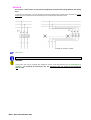
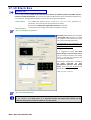
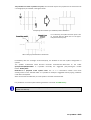
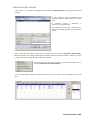
“Real” symbols are those drawn with the real dimensions of the component (real sizes), whereas
“generic” symbols are those drawn to 1x1x1 sizes (See “Dimensions and Block Selection” parag. 15.3).
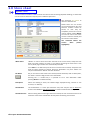
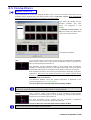
Rules do not exist to identify beforehand “real” symbols from “generic” symbols.
(Symbols installed with Spac can normally be identified by their names, i.e. those with a LY_ prefix are
generic, whereas those with a LY- prefix are real).
8 Bill of Materials • 237