1
USER MANUAL - D7261A-RPE
4.4.1 Internal Buzzer
This item allows you to set the internal buzzer activated or not when an alarm is
triggered or video loss. In the Alarm Set Up menu, move the cursor to 1 Internal Buzzer ,
use direction keys (? ?) to select ON/OFF.
4.4.2 Response Duration
This item allows you to decide how long time the internal buzzer and Alarm Out relay
will keep after alarm is triggered.
In the Alarm Set Up menu, move the cursor to 2 Response Duration , then use
direction keys (? ?) to adjust the value. The value could range from 1 to 9999, which means
the alarm output can keep from 1second to 9999seconds.
4.4.3 Motion Detect
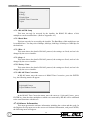
This menu allows you to configure how Motion Detection works. Each camera can
have it’s ‘Detect Area’ and ‘Sensitivity’ defined individually.
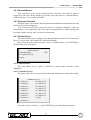
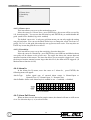
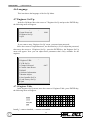
In the Alarm Processor menu, move the cursor to 3 Motion Detect , press ENTER key,
the following menu will appear:
Motion Detect
1 Motion Detect
2 Condition Set Up
3 Quit
OFF
4.4.3.1 Motion Detect
This item allows you to enable or disable the motion detect function of this
multiplexer.
4.4.3.2 Condition Set Up
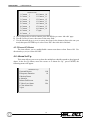
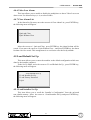
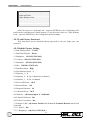
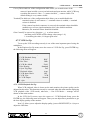
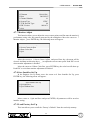
This menu allows you to set up the detect area and sensitivity for each camera inputs.
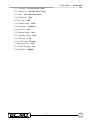
Condition Set Up
1 Camera_1
10 Camera_10
2 Camera_2
11 Camera_11
3 Camera_3
12 Camera_12
4 Camera_4
13 Camera_13
5 Camera_5
14 Camera_14
6 Camera_6
15 Camera_15
7 Camera_7
16 Camera_16
8 Camera_8
17 Quit
9 Camera_9
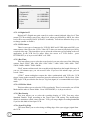
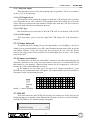
Move the cursor to Camera_1 , preset ENTER key, the following menu appear:
19