1
9.6 Web manager
The DeviceManager and WebManager NETLink managers are very similar to use. DeviceManager is a
Windows-based application and WebManager is a browser-based application. Both options use the
NETLink’s IP address to access the NETLink; the DeviceManager can be used to assign an IP address to a
new NETLink and the WebManager requires that the NETLink already have an IP address before it can be
used to configure the NETLink.When using WebManager, you are required to click the Apply button each
time you make a change to a configuration window/tab. In DeviceManager, you must download your
configuration changes to the NETLink either periodically or after you are done with the configuration
changes. From both managers you must reboot the NETLink in order for you configuration changes to take
effect.
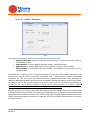
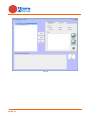
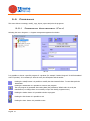
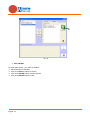
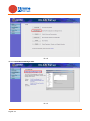
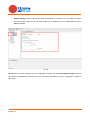
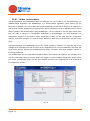
The DeviceManager and WebManager have very similar navigation methods. The left-hand side of the
manager is the navigation tree and the center is the configuration area. The DeviceManager has menu and
quick access buttons, whereas the WebManager has system information and some navigation options on
the far right-hand side.
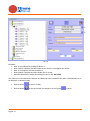
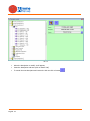
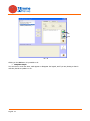
The WebManager uses an expandable/collapsible buttons with folders and pages for the navigation tree.
You can expand the buttons to view the folders and pages to see the available configuration options. When
you access a configuration page, you can often navigate the tabs in the configuration area to access all of
the configuration options.
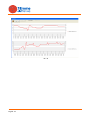
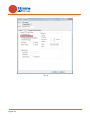
Pic. 74
English 71