1
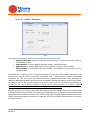
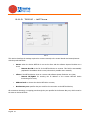
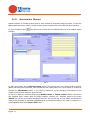
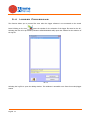
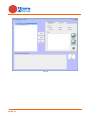
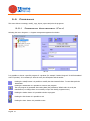
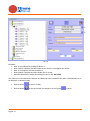
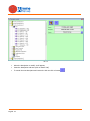
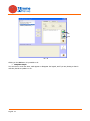
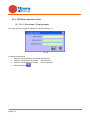
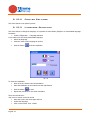
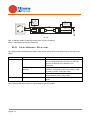
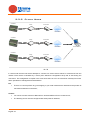
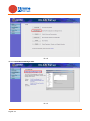
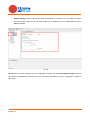
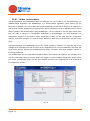
5.2.2 GSM Modem Pic. 7 In this section is possible to connect to the control board via the GSM modem. COM Port Selection: Select the COM port drop-down menu to select the COM port where is connected the modem; Check Modem: to test the Modem connection with the selected COM port; Address Book to open the Address Book and to select the number for the connection; Phone number: to enter directly the phone number , for example in the case that it is not in the address book. System Evolution 4.0 allows the use of a modem (supplied) for connection with a remote control board. The customer care support center will provide local modem with a SIM card that supports a GSM data connection. The user of the stove will connect the modem (supplied) and provide it with SIM card that supports a GSM data connection and with PIN request disabled. Although the software and the control board are equipped with an idle connection timeout of 5 minutes (after which the modems are disconnected), it reminds the end user of System Evolution to Switch off the modem whenever it is unused. TiEmme Elettronica assumes no liability in case the modem will remain active indefinitely. At the end of the use of remote control, press Disconnect to end communication with remote control board. If System Evolution should indicate errors during the disconnection, we recommend turning off the modem. Please note that if the active connection is not used for longer than 5 minutes System Evolution and / or the control board will terminate the connection for inactivity. Once it’s connected System Evolution will work like the local connection. English 9