1
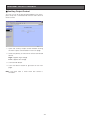
■ Network Setup of the PC
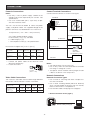
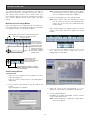
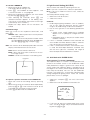
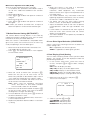
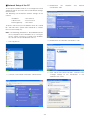
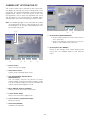
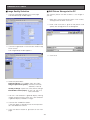
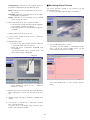
3. Double-click
the
Connections” icon.
To set up the network of the PC, first change the TCP/IP
settings of the PC to match them to the default settings
of the camera.
The following are the default network settings of the
camera.
IP address
Subnet mask
Default gateway
“Network
and
Internet
: 192.168.0.10
: 255.255.255.0
: 192.168.0.1
To access the camera, the IP address of the PC should
be “192.168.0.XXX” (where XXX should be a number
from 2 to 254 except 10).
Note: The following procedure is described based on
the assumption that the Windows XP is running on
the PC. When running an OS other than Windows
XP, see the manual included with the OS.
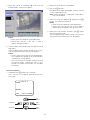
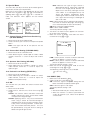
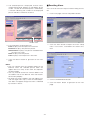
4. Double-click the “Network Connections” icon.
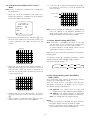
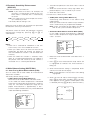
1. Start up your PC.
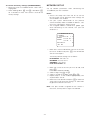
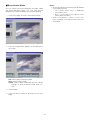
5. Click “Local Area Communication”, and then click
“Change settings of this connection” in the
“Network Task” menu.
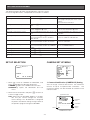
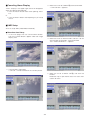
2. Click the “Start” button and select “Control Panel”.
-23-