1
Partitioning
171
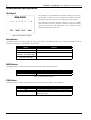
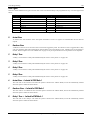
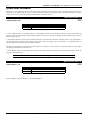
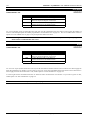
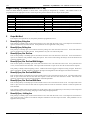
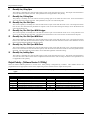
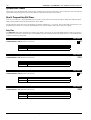
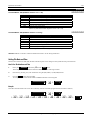
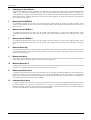
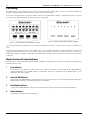
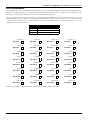
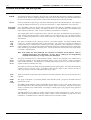
AUX Indicator
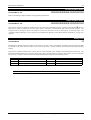
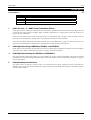
This indicator will display the status of Zone 16 when the control panel has been partitioned. If Option 4 has been enabled in
"LOCATION 669" the AUX indicator may be used to display when the control panel is using the telephone line.
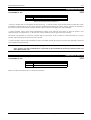
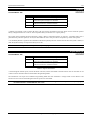
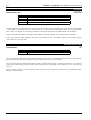
MAINS Indicator
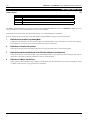
This indicator displays the status of the AC mains supply (ie. If the MAINS indicator is illuminated, the AC mains is normal and if
the indicator is flashing, the AC mains has been disconnected).
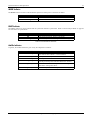
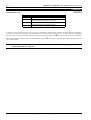
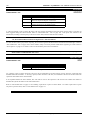
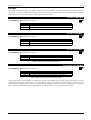
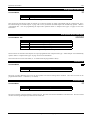
FAULT Indicator
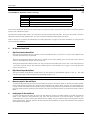
This indicator displays the status of the systems fault register (ie. If the indicator is flashing, the system has detected a fault that
has not yet been acknowledged. If the indicator is illuminated, the fault has been acknowledged and if the indicator is not
illuminated, the system has no system faults).
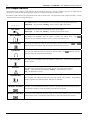
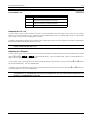
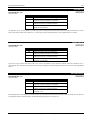
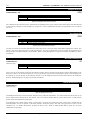
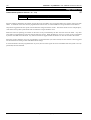
PARTIAL Indicator
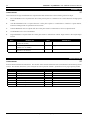
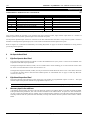
The partial indicator displays whether an area is armed in STAY Mode 1 or STAY Mode 2. (ie. If the PARTIAL indicator is
illuminated, an area is armed in either STAY Mode 1 or STAY Mode 2 and if the PARTIAL indicator is not illuminated, no areas
are armed in STAY Mode 1 or STAY Mode 2).
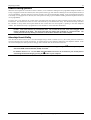
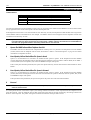
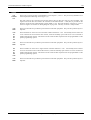
Whilst isolating zones, the PARTIAL indicator flashes to indicate that you are in the isolate mode.
This PARTIAL indicator will flash in conjunction with the AUX indicator to indicate successful entry into any programming mode.
For example, this will occur when entering the Installer's Programming Mode.
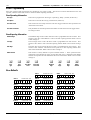
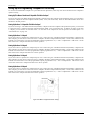
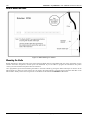
Operating Codepads In Partitioning
Operating From A "CP5 Area Addressable (CP500A)" Codepad
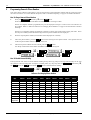
If you have a partitioned system with "CP5 Area Addressable (CP500A)" codepads installed, the operating procedure is exactly
the same as described throughout this manual. Refer to "Hold Down Functions" on page 61 to determine which area a particular
codepad belongs.
Operating From A "CP5 Master Partitioned (CP500P)" Codepad
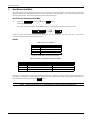
If you have a partitioned system with a "CP5 Master Partitioned (CP500P)" codepad installed, the operating procedure is the same
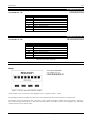
as described throughout this manual with one exception. All operations are relative to the area whose AREA DISPLAY indicator is
illuminated at the time.
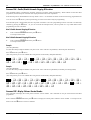
Example
If the AREA DISPLAY indicator number 2 is illuminated, all operations performed will only effect Area 2. To perform any
operations in another area, you will have to move the AREA DISPLAY indicator to the desired area.
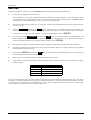
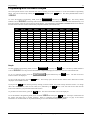
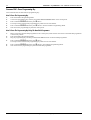
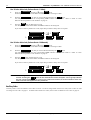
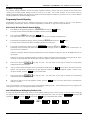
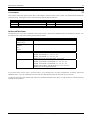
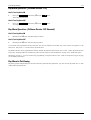
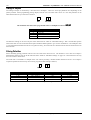
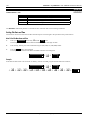
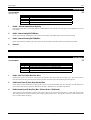
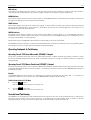
To Move From One Area To The Next
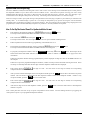
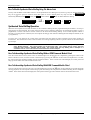
1.
Press the
button.
The area display indicator will move to the next area.
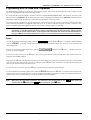
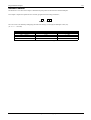
2.
Press the
button again.
The area display indicator will move to the next area.
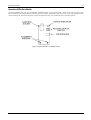
Securitel and Partitioning
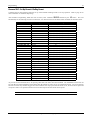
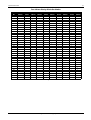
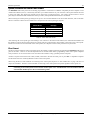
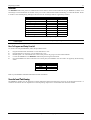
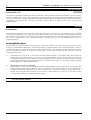
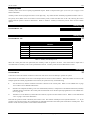
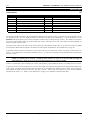
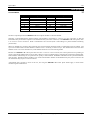
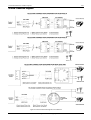
The EDMSTU was not designed to send individual Open/Close reports for each area via the Securitel Network. It will however
send first to open and last to close reports if Option 2 in "LOCATION 664" has been enabled. Refer to "Table 31: Securitel
Reporting Messages" on page 77 for the list of reports that can be transmitted via the Securitel Network.
Electronics Design & Manufacturing Pty Limited
ISSUE210.DOC