1
User Manual of DS-7200-ST Series DVR
OSD Settings
On Screen Display (OSD) settings can be configured in the Camera Management menu. The OSD is shown in
each display during Live View mode and includes the time and date as well as the camera name.
To configure OSD settings:
1.
2.
3.
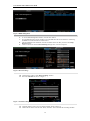
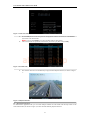
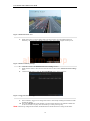
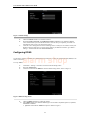
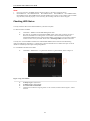
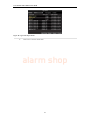
Click Menu > Settings > Camera to enter the Camera Settings menu, shown in Figure 1.
Select channel to set up OSD settings under Channel No., and click the Set button.
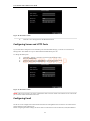
Configure desired OSD settings, as shown in Figure1.
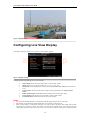
alarm shop
Figure 1. OSD Settings Menu
4.
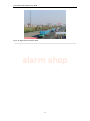
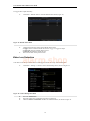
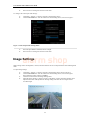
Click the Set button to edit the OSD display position, including the camera name position and the
date/time display position.
Video Input & Output Mode Settings
To configure the video output mode settings:
1.
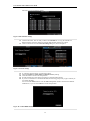
Click Menu > Settings > General to enter the General Settings menu.
2.
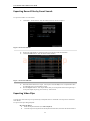
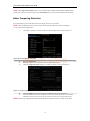
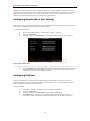
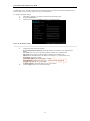
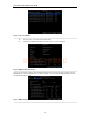
Click the More Settings tab to enter the More Settings menu, shown in Figure 2.
Figure 2. Video Output Mode Settings Menu
3.
Set the video output mode to Standard or Brilliant according to different environmental
conditions.
95