1
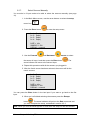
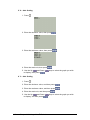
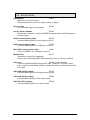
3. Press
to select the left bound, keep pressing to move the left
cursor to the desired point.
4. Press
.
5. Press
to select the right bound, keep pressing to move the left
cursor to the desired point.
6. Press
.
and Down
7. Use the Up
to display, then press
.
keys to select the graph you wish
Note: Data outside the zoom region will be trimmed and lost. To gain the data back
download it from MultiLogPRO.
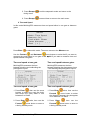
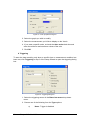
3. Rescaling
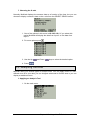
1. From the graph screen press
menu.
2. Use the Up
to rescale.
3. Press
and Down
to return to the SELECT GRAPH
keys to select the graph you wish
to open the rescaling options menu.
4. Auto Scaling
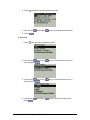
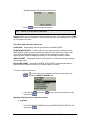
1. Press
and Down
2. Use the Up
to display, then press
keys to select the graph you wish
Chapter 4 Working with a TI Calculator
117