1
User Manual of iVMS-4000(v2.03.07)
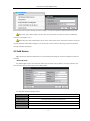
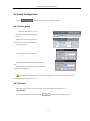
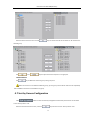
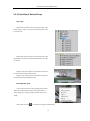
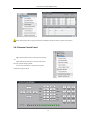
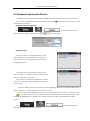
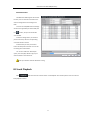
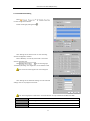
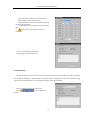
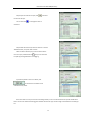
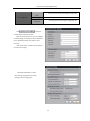
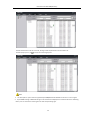
key and all the channels of the device can be moved to the
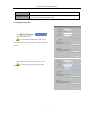
Select the device in the list area and click
selected group.
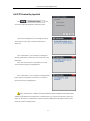
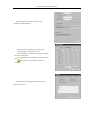
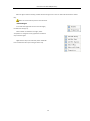
Use
and
keys to adjust the channel sequence in the group list.
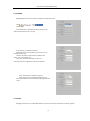
Delete Channel
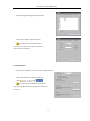
Use
key to delete the channel or group in the group area.
Note: One channel can be added to different groups, yet one group cannot add the same channel repeatedly.
Max. 50 different channels can be added to one group.
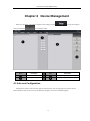
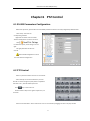
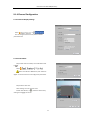
4.7 Sort by Camera Configuration
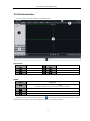
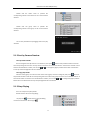
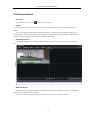
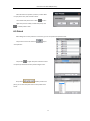
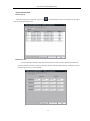
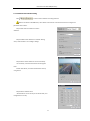
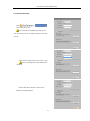
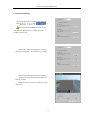
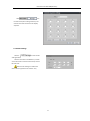
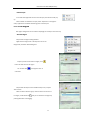
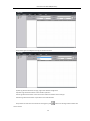
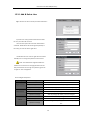
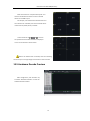
Click
button to enter shortcut key management window. Only the channels can be added
to the “Sort by camera” area.
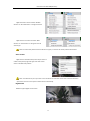
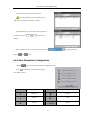
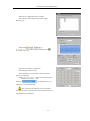
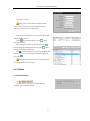
Select the channel from the list area, and click
key and move it to the “Sort by camera” area.
20