1
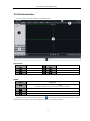
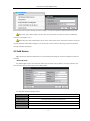
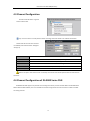
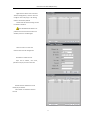
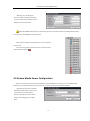
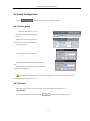
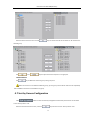
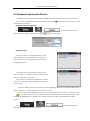
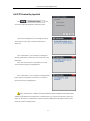
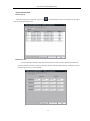
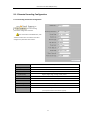
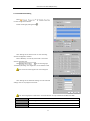
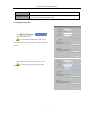
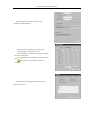
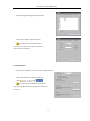
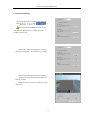
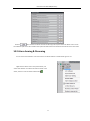
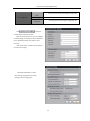
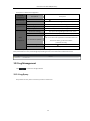
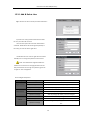
User Manual of iVMS-4000(v2.03.07) 9.1.1 Remote Recording Configuration 9.1.1.1 Encoding Parameters Configuration Select to enter encoding parameters configuration interface. Note: If the device is DS-9000 series, click “Switch to IP Channel” and select IP channel to configure the parameters of IP camera. Parameters Description Encoding Parameters Main/Sub stream and Event Parameters Stream Type Video & Audio or Video stream Resolution Recording Resolution Video Quality Highest, higher, high, average, lower, lowest Bitrate Type Variable & Constant Max Bitrate Maximum bit rate of the compressed stream Frame Rate Record frame rate, from 1/16 to full frame Frame Type BBP,BP & Single P frame I frame interval The interval between 2 I frames Video Encode Type User could select different encode type of standard H.264, MPEG4 or private H.264. (need special version of IP camera support) 63