1
OSD Menu description
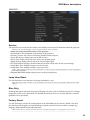
Sharpness
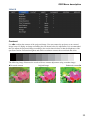
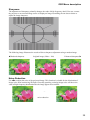
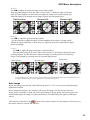
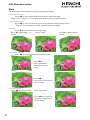
The adjustment of sharpness primarily changes the value of high frequency detail. You can connect
the projector to an external image source to display an image resembling the one shown below to
adjust the image sharpness.
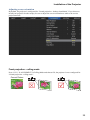
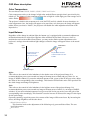
The following image illustrates the results of direct sharpness adjustment using a random image:
W Reduced sharpness
Original image (Value = 100)
Enhanced sharpness X
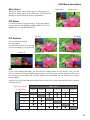
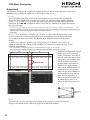
Noise Reduction
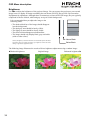
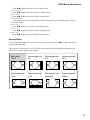
Use WX to adjust the noise of the projected image. This function is suitable for the elimination of
image noise from interleaving SD input. Generally speaking, reducing image noise will lower the
value of high frequency detail and make the image appear more mellow.

noise reduction
35