1
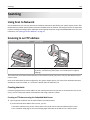
Clearing jams
260
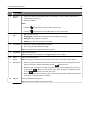
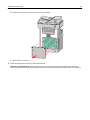
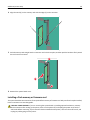
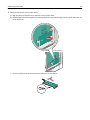
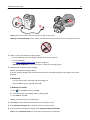
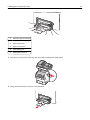
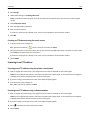
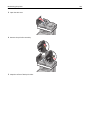
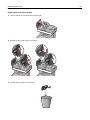
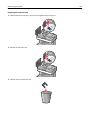
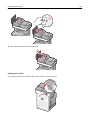
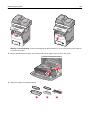
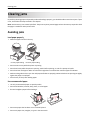
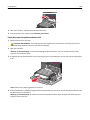
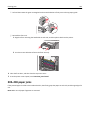
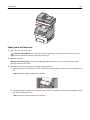
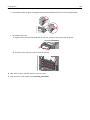
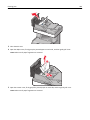
3 Close the ADF cover.
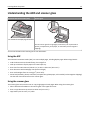
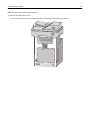
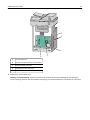
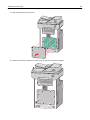
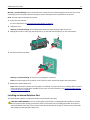
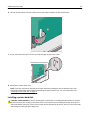
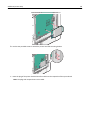
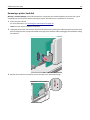
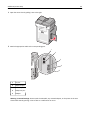
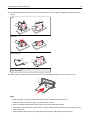
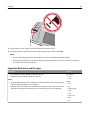
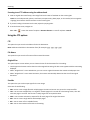
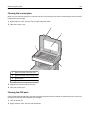
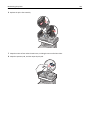
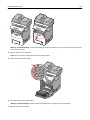
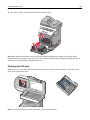
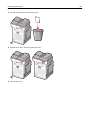
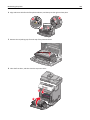
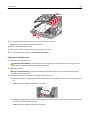
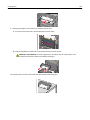
4 Open the duplex cover, firmly grasp the jammed paper on each side, and then gently pull it out.
Note: Make sure all paper fragments are removed.
2
1
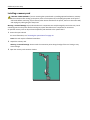
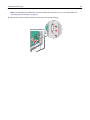
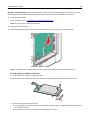
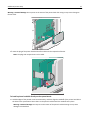
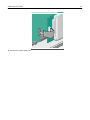
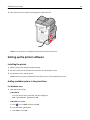
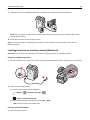
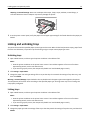
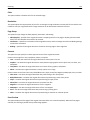
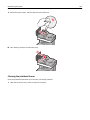
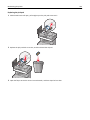
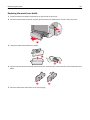
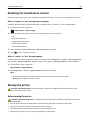
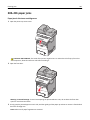
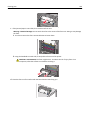
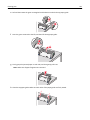
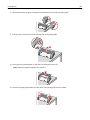
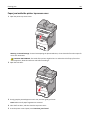
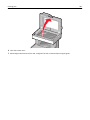
5 Open the scanner cover, firmly grasp the jammed paper on each side, and then gently pull it out.
Note: Make sure all paper fragments are removed.