1
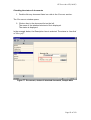
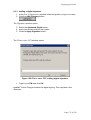
epoline ® Online Filing, version 2
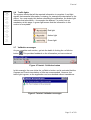
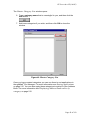
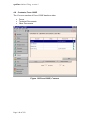
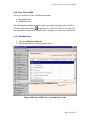
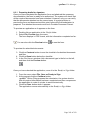
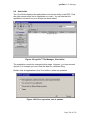
New Form
ê
Request
ê
Names
ê
States
ê
Priority
ê
Biological
Material
ê
Contents
ê
Payment
ê
Fees
ê
Annotate
ê
Sign
ê
Send
2.8
Preparing the application
2.8.1 Request
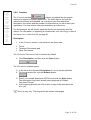
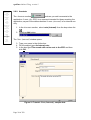
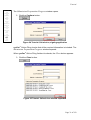
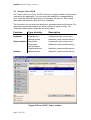
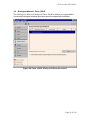
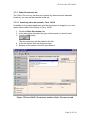
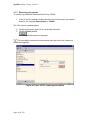
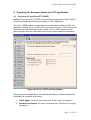
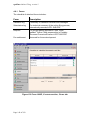
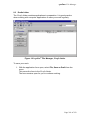
The Request section
is already selected when the form
opens. The traffic light is amber until you type in the title of the invention. Use
this section to give information about the past record of the application.
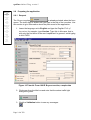
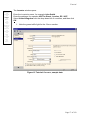
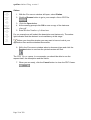
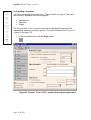
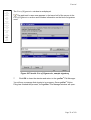
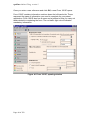
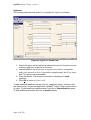
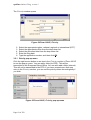
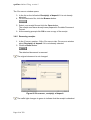
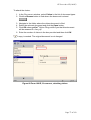
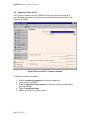
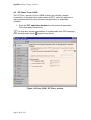
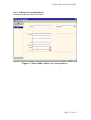
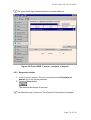
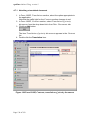
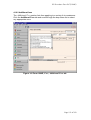
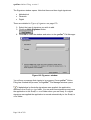
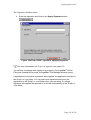
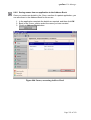
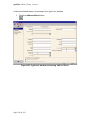
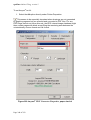
1. Leave the language set to English and type the English Title of
invention, for example, type Vaccine. Type this in title case, that is,
with only the first letter of the word capitalised. In general, avoid typing
in ALL CAPS.
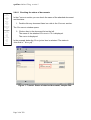
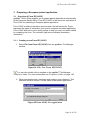
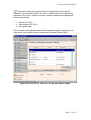
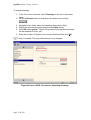
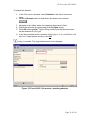
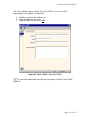
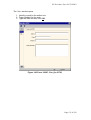
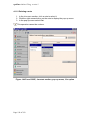
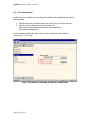
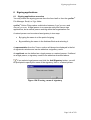
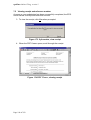
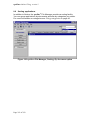
Figure 10 Tutorial: Form 1001E Request section, sample data
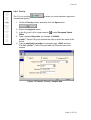
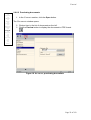
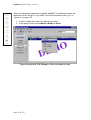
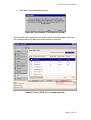
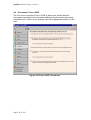
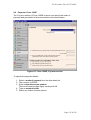
2. Click away from the title box and note that the amber traffic light
changes to green.
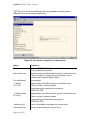
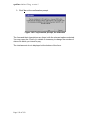
3. Click the Validation button to see any messages.
Page 14 of 258