1
Using the Media Authorizer
9.
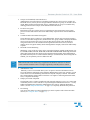
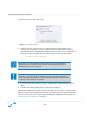
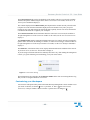
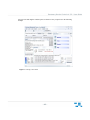
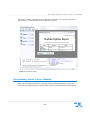
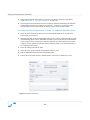
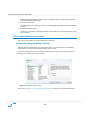
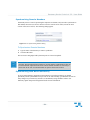
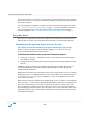
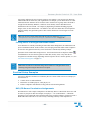
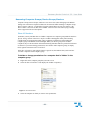
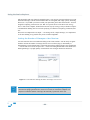
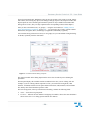
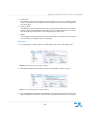
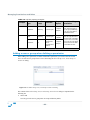
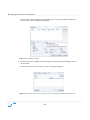
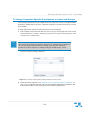
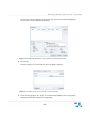
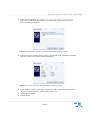
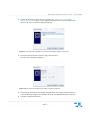
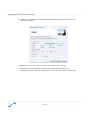
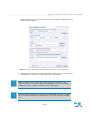
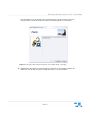
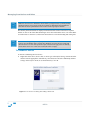
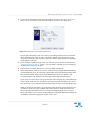
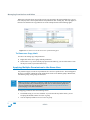
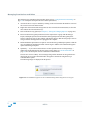
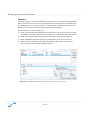
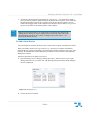
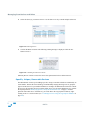
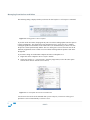
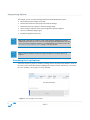
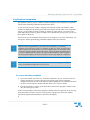
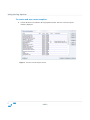
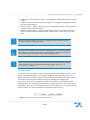
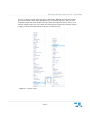
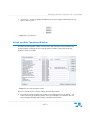
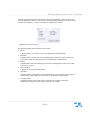
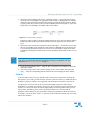
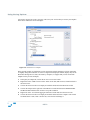
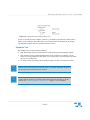
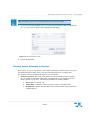
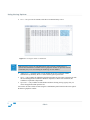
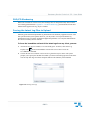
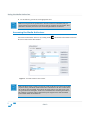
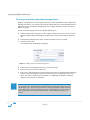
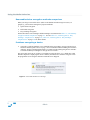
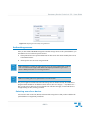
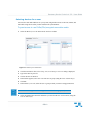
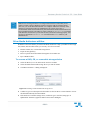
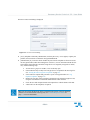
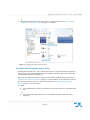
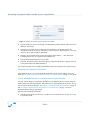
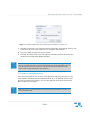
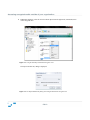
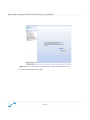
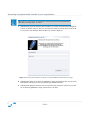
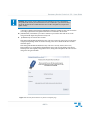
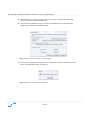
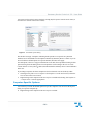
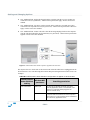
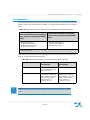
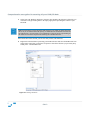
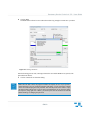
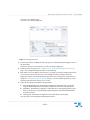
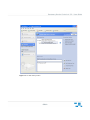
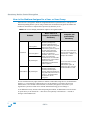
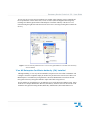
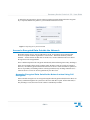
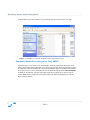
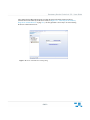
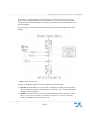
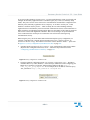
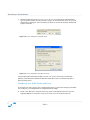
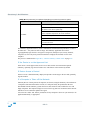
[User] Enter the alphanumeric string provided by the administrator in the text field in the
middle section of the Recover Password dialog.
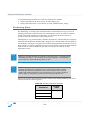
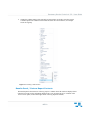
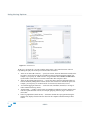
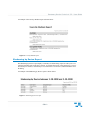
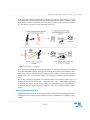
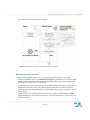
Figure 6.25 Recover Password dialog – entering passphrase
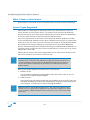
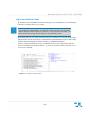
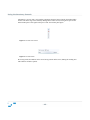
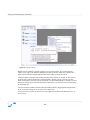
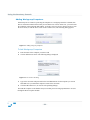
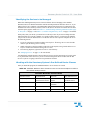
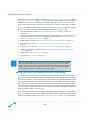
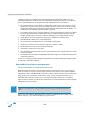
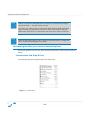
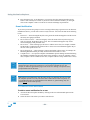
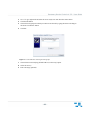
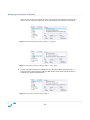
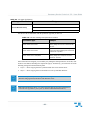
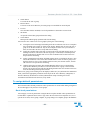
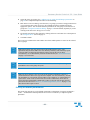
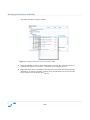
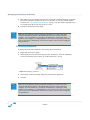
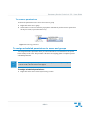
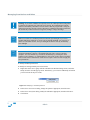
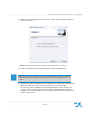
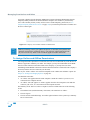
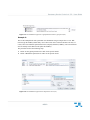
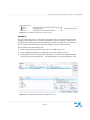
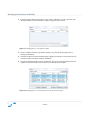
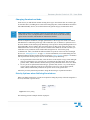
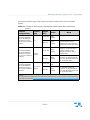
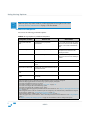
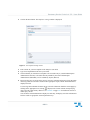
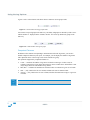
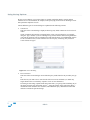
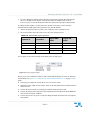
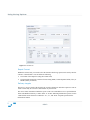
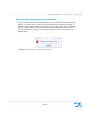
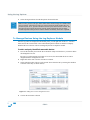
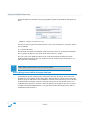
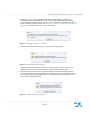
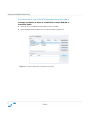
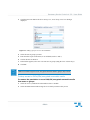
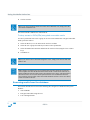
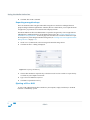
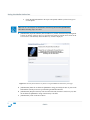
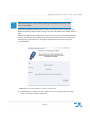
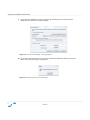
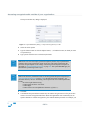
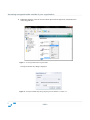
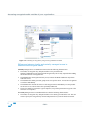
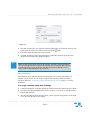
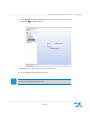
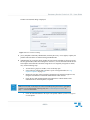
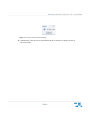
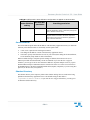
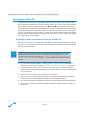
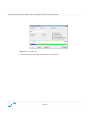
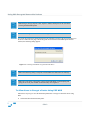
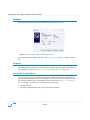
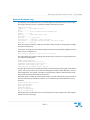
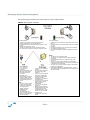
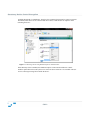
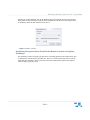
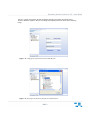
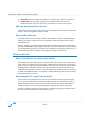
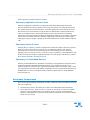
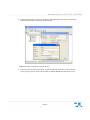
10. [User] Enter a New Password, retype this in the Confirm Password field, and click on the OK
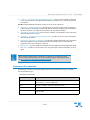
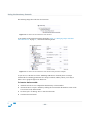
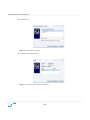
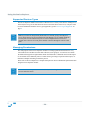
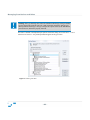
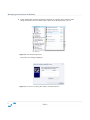
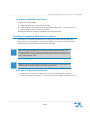
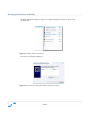
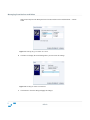
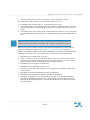
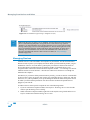
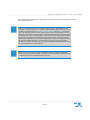
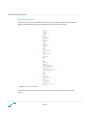
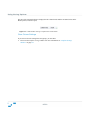
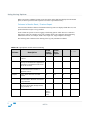
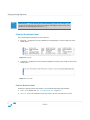
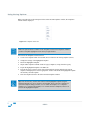
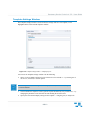
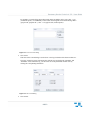
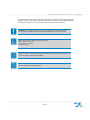
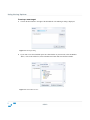
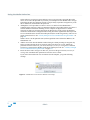
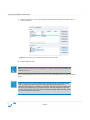
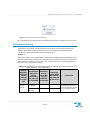
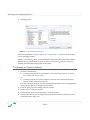
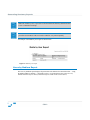
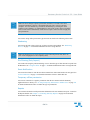
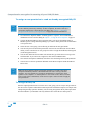
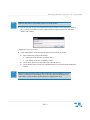
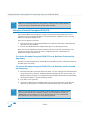
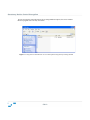
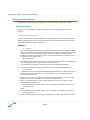
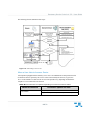
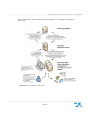
button. The following messages are displayed:
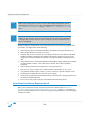
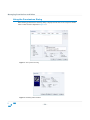
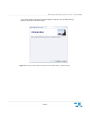
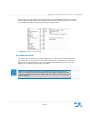
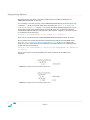
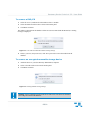
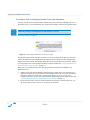
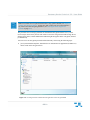
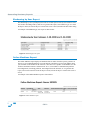
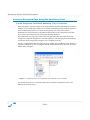
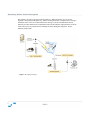
Figure 6.26 Sanctuary password recovered message
- 242 -