1
Using the Device Explorer
Supported Devices Types
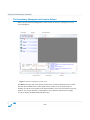
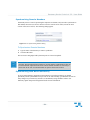
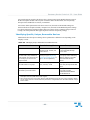
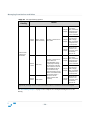
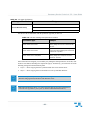
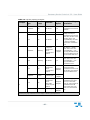
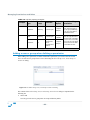
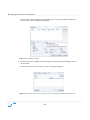
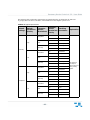
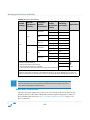
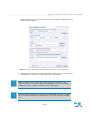
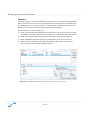
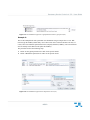
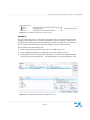
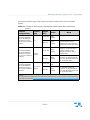
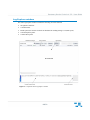
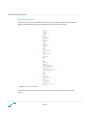
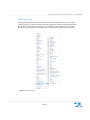
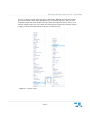
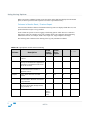
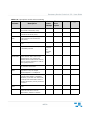
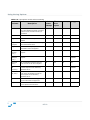
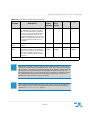
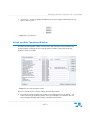
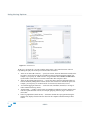
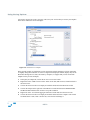
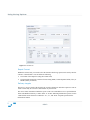
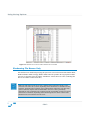
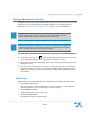
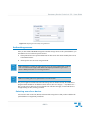
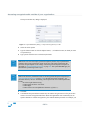
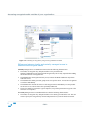
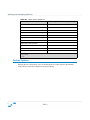
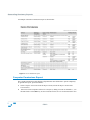
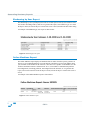
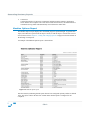
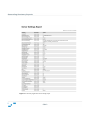
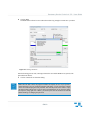
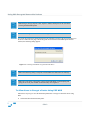
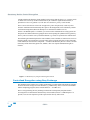
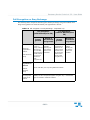
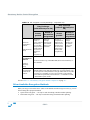
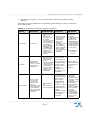
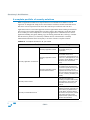
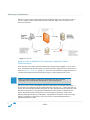
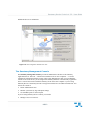
The Device Explorer module can be used to control access to a variety of I/O devices. Setting access
at the Default settings level class allows the user to access that device class on any computer in the
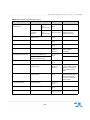
network. Information about the device types supported is given in “Device Types Supported” on
page 6.
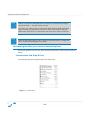
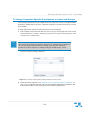
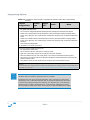
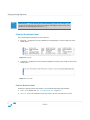
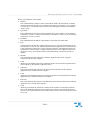
Note: If you notice an unexpectedly blocked device consider giving it LocalSystem
access. Some devices are not accessed directly but through a service running under the
Local System account and Sanctuary Device Control might block this access. For
example, this is the case for some printer models connected through the LPT or COM
ports.
Managing Permissions
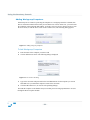
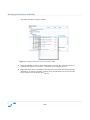
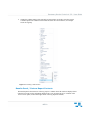
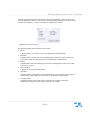
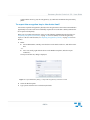
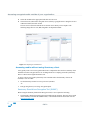
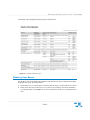
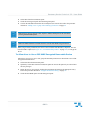
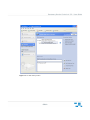
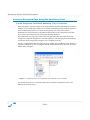
The main purpose of the Device Explorer module is to manage permissions and rules for every
conceivable device and then associate them with user(s)/user group(s). A second use is to define
decentralized encryption in organizations that do not need/want a centralized control of this aspect
of our solution. Since Sanctuary Device Control offers a great range of options in this respect, we
dedicated a chapter describing in detail the process.
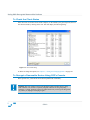
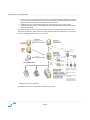
Please refer to the next chapter for a complete description on how to administrate permissions/rules
using the Device Explorer module.
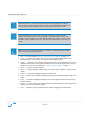
Note: When there is no permission or rule defined, the default applies: the user has no
access at all to the device.
- 70 -