1
8.3: COPY AND PASTE
User Manual
MIX FEATURES > COPY AND PASTE
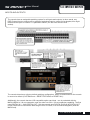
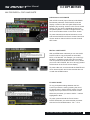
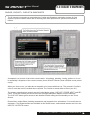
This facility allows almost any processing section to be copied easily and quickly from a channel
or bus and pasted to another channel or bus. You can also copy and paste the internal Lexicon FX
settings and Aux, FX Send, and Matrix mixes.
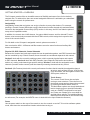
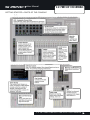
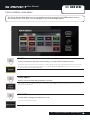
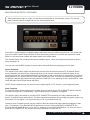
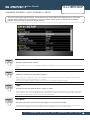
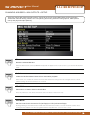
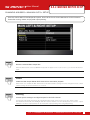
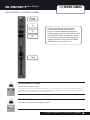
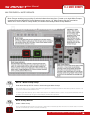
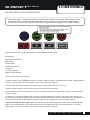
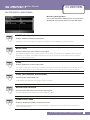
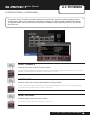
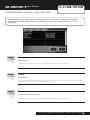
When you press COPY PASTE (Touch Screen Main Menu), or when you reselect a channel or bus while the COPY
PASTE mode is active, the console’s clipboard captures the state of that selection. If you have a channel selected,
that channel’s processing (except GAIN or 48V status’) is copied; if you have a bus mix selected via the FADER FOLLOW (tOTEM) buttons, that bus mix is copied.
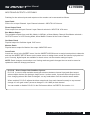
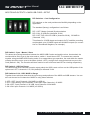
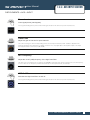
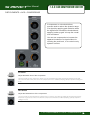
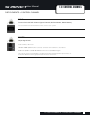
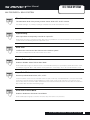
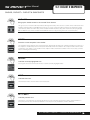
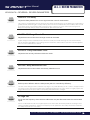
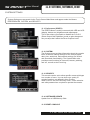
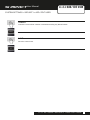
COPY PASTE
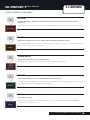
Copies the selected element to the console’s clipboard.
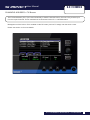
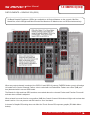
Select a channel or Mix Bus to copy those to the clipboard. FX settings are selected by pressing the FX button while
in Copy-Paste mode.
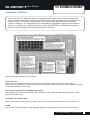
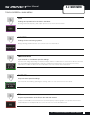
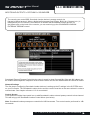
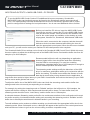
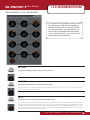
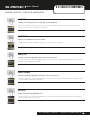
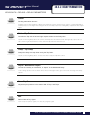
PASTE-HOLD
Hold and select a destination to paste the clipboard.
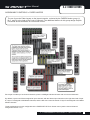
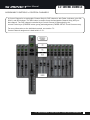
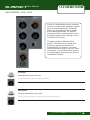
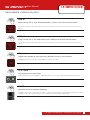
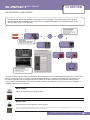
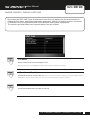
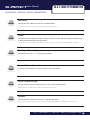
To paste DSP Channel settings, touch a SEL button, to paste a complete Mix Bus mix, touch a tOTEM (FADER
FOLLOW) button, and to paste FX settings, touch the corresponding FX 1-4 tOTEM button (see following examples).
8.3 : MIX FEATURES > COPY AND PASTE