1
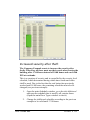
users (or operators). Here, the administrator can add and remove
users.
In ARX it is possible to create a number of different users, with
different security clearance. For example is it possible to create
users that only have clearance to administrate users and cards, or
users that only manage the system within a domain (requires the
optional feature Domain).
An operator that create new users can not create users accounts that
have higher clearance that his or her own account.
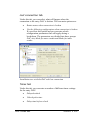
Add an operator
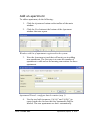
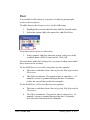
To add a new operator, do the following:
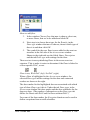
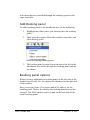
1.
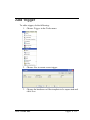
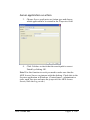
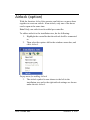
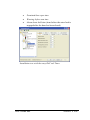
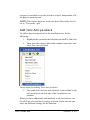
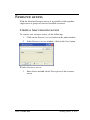
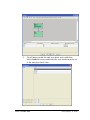
Select the System menu in the main window and click the
option Operators.
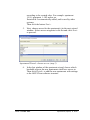
2.
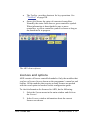
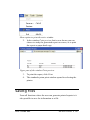
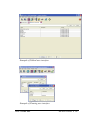
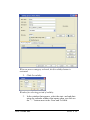
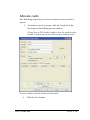
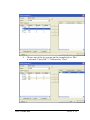
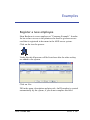
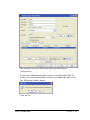
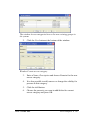
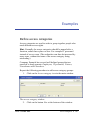
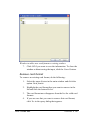
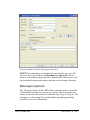
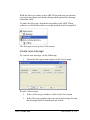
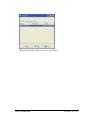
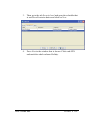
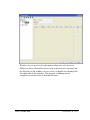
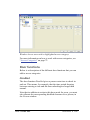
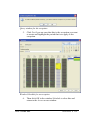
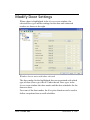
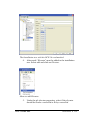
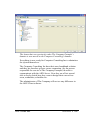
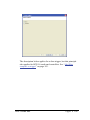
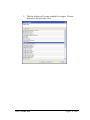
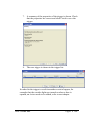
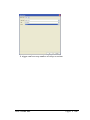
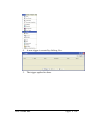
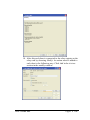
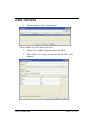
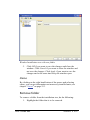
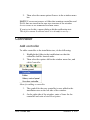
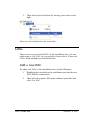
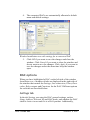
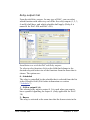
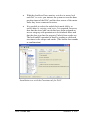
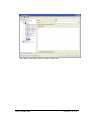
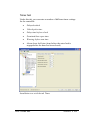
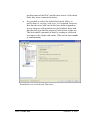
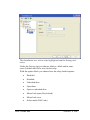
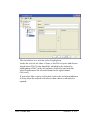
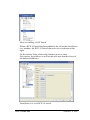
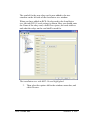
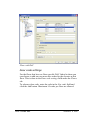
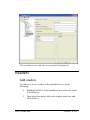
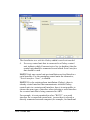
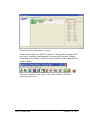
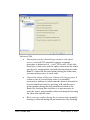
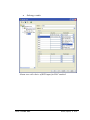
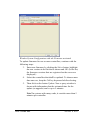
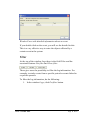
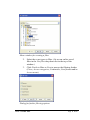
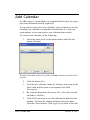
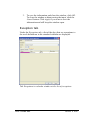
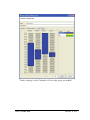
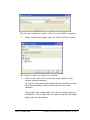
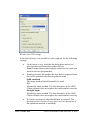
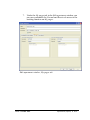
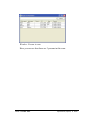
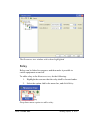
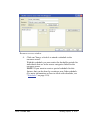
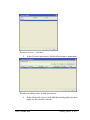
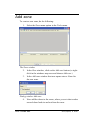
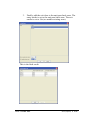
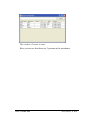
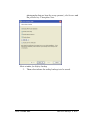
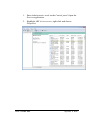
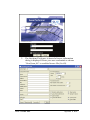
In the window Operators click New to add an operator.
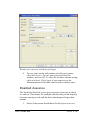
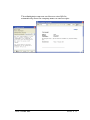
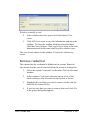
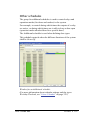
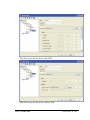
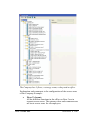
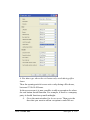
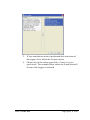
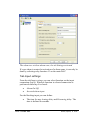
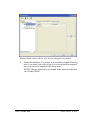
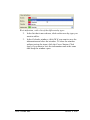
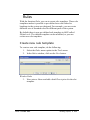
Window Operators with a list of registered users
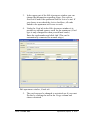
3.
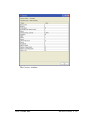
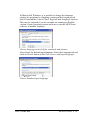
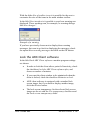
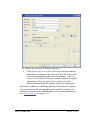
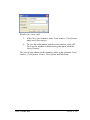
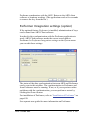
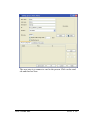
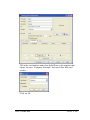
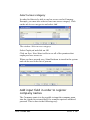
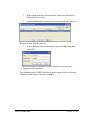
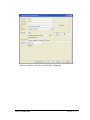
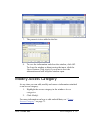
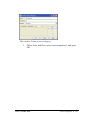
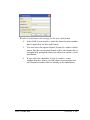
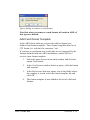
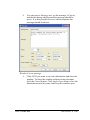
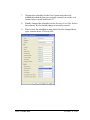
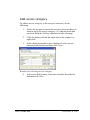
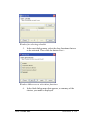
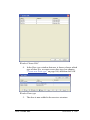
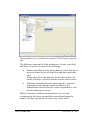
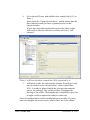
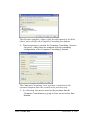
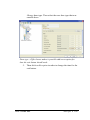
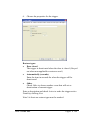
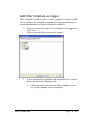
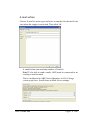
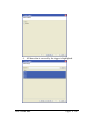
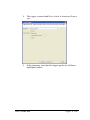
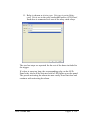
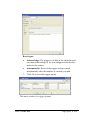
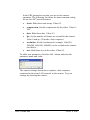
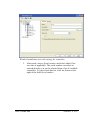
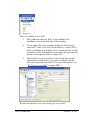
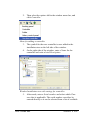
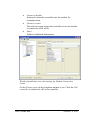
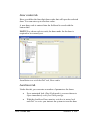
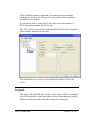
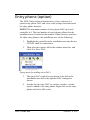
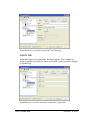
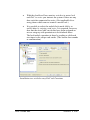
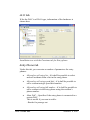
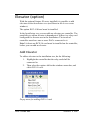
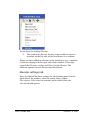
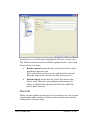
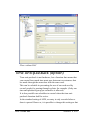
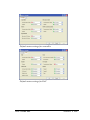
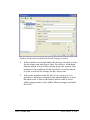
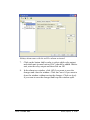
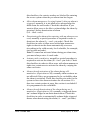
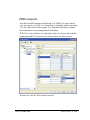
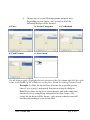
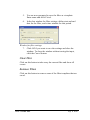
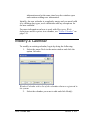
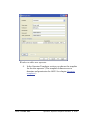
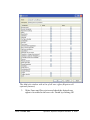
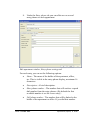
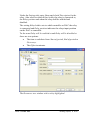
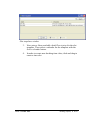
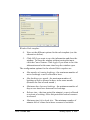
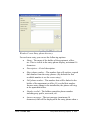
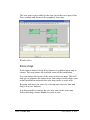
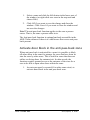
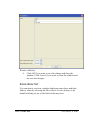
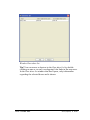
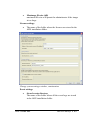
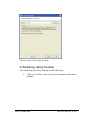
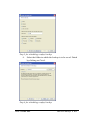
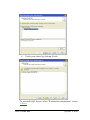
In the window that opens, enter User Name, Full name, a
Description and Password (twice). A password must be
entered.
If you have the optional feature Domains all new operators
are automatically added to the standard domain.
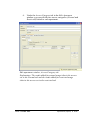
NOTE! The password field is case sensitive (differentiates
between upper and lower case characters).
User’s Guide ARX
Operators, Operator templates and Roles
• 333