1
IAD USER MANUAL
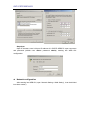
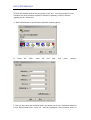
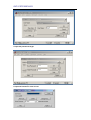
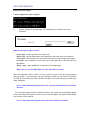
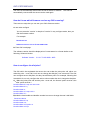
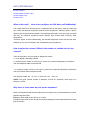
Set terminal parameters: resume default is OK
3.4.4 TELNET Mode
After determine the IP address of WAN port (default is 192.168.0.235) or LAN port
(can query the address via IVR) of the equipment
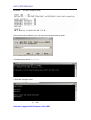
Config PC and gateway in same sub-network, confirm the PC can ping the gateway,
input telnet 192.168.0.235 (IP address of equipment) and then operate according to the
related hints.
3.4.5 WEB Mode
GW Series Integrated IP Voice Access Equipment offers WEB configuration interface,
which is suit for Microsoft Windows Operating System.
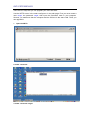
You can perform WEB administration via port or LAN port. Taking WAN port address
192.168.0.227 as example, ping 192.168.0.227 in PC, confirm the computer can connect
to WAN port, then start browser, input http://192.168.0.227 in browser's address bar, and
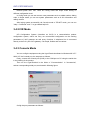
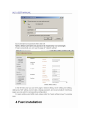
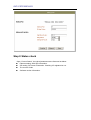
type return to enter into the login interface of Web.