1
TForce4 U AM2
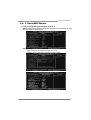
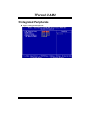
Onboard Device
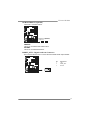
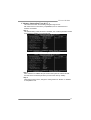
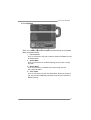
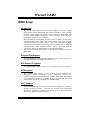
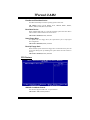
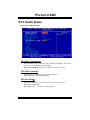
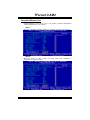
Highlight the “Press Enter” label next to the “VIA OnChip PCI Device” label
and press the enter key will take you a submenu with the following options:
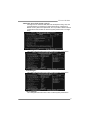
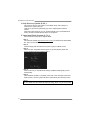
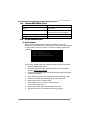
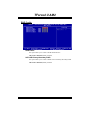
OnChip USB
This option should be enabled if your system has a USB installed on the system
board. You may need to disable this feature if you add a higher performance
controller.
The Choices: V1.1+V2.0 (default), Disabled, V1.1
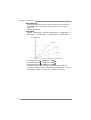
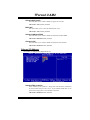
USB Keyboard Support
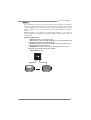
This item allows you to enable or disable the USB Keyboard Legacy Support.
Enabled
Enable USB Keyboard Support.
Disabled (default) Disable USB Keyboard Support.
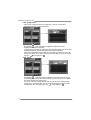
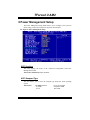
USB Mouse Support
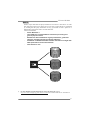
This item allows you to enable or disable the USB Mouse Legacy Support.
Enabled Enable
USB Mouse Support.
Disabled (default) Disable USB Mouse Support.
22