1
Bedford College Electronic Learning Blue Print Administration User Guide
44
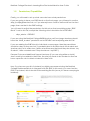
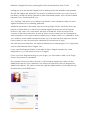
etc…) and you can upload an icon to appear in the box (should be 64x64 pixels like
the other icons).
Once you have chosen what plugin structure to use, we can edit the settings of the
Custom Plugin.
2.1.12.1. Single Report
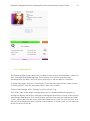
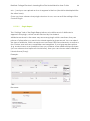
The “Settings” tab of the Single Report allows us to define a set of Attributes to
appear in the plugin, which can be filled out by the student.
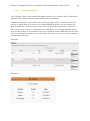
Attributes are done in the same way across any plugin which uses them, they are
pieces of information you want to be stored against a given record. You can select
the type of attribute, which accepts most common HTML form elements, as well as a
few custom ones such as coursepicker and userpicker. If your type requires options
(e.g. a select menu or a checkbox, then you will have some additional inputs where
you can choose what options it should have), then you can choose what validation
it should have (if any).
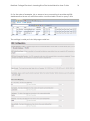
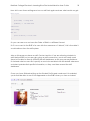
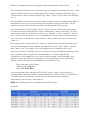
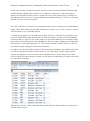
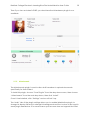
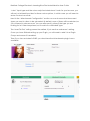
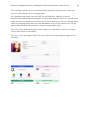
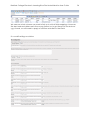
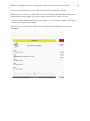
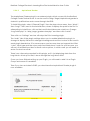
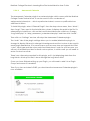
Example:
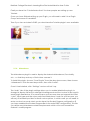
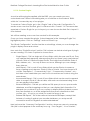
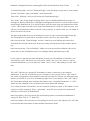
Becomes: