1
5.5: Channel title settings
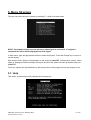
This option enables brief titles to be set up which will be displayed on each separate screen.
NOTE: All 4 titles will only be displayed when a quad channel overlay is in use. With a single channel
overlay, only the first title (text one) will be displayed; with a dual channel overlay only texts one and
two are displayed, with a triple channel overlay texts one, two and three are displayed.
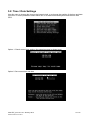
Option 1: Enter text for titles
Simply type in the text required.
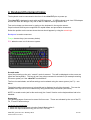
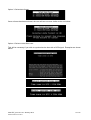
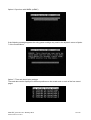
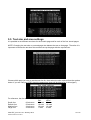
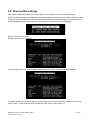
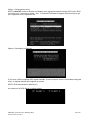
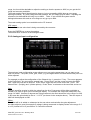
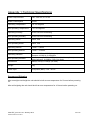
The following screen shows an example where the text for three channels has been entered:
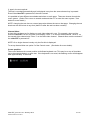
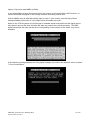
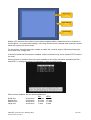
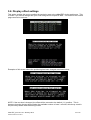
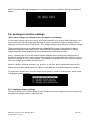
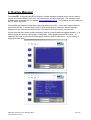
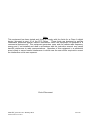
To delete the title on any video channel, simply delete the text for the relevant channel on the above
menu screen. In the example below no title has been set for video channel 1:
videoTXT_man rev 10.1 January 2013
© NETmc Marine Ltd 2012
21 of 40