1
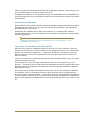
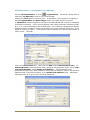
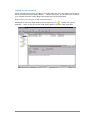
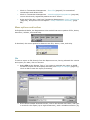
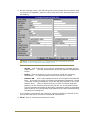
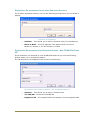
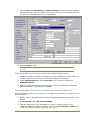
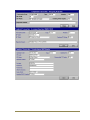
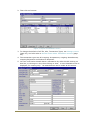
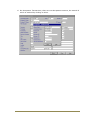
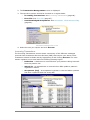
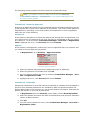
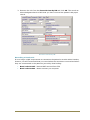
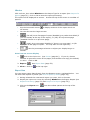
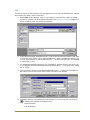
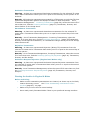
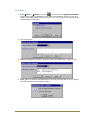
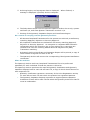
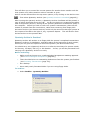
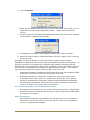
5. Highlight the error, click Process and choose Delete.
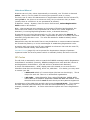
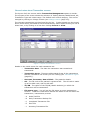
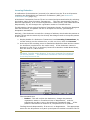
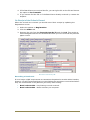
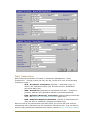
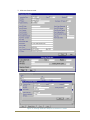
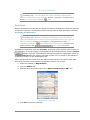
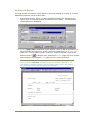
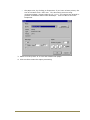
Error File - Deduction
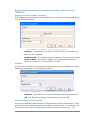
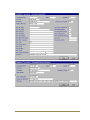
Unmatched - Amendment
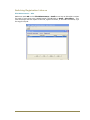
If PSD make an amendment to the patient's registration data which cannot be
matched to one of your patients it will appear in the Error File. You should check what
the amendment is and update the information in the patient's registration screen,
then delete the error.
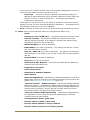
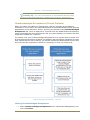
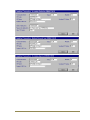
Unmatched - Medical Record Flag
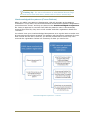
Medical Record flags are notifications (flags) that are sent to and from PSD when
records are sent and received. When PSD send a new patient's A4 paper records a
Medical record Flag sent is set which the practice should remove on receipt of the
records. When a patient is deducted a Medical Record flag Removal is set which should
be removed when PSD receive the patient's records. If the flags are not matched to
the patient they will appear in the Error file.
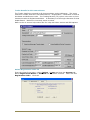
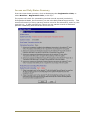
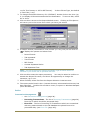
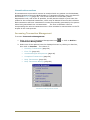
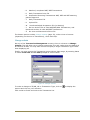
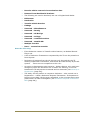
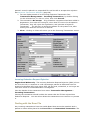
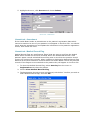
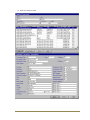
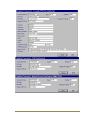
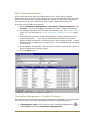
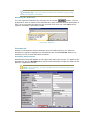
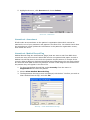
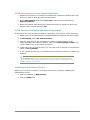
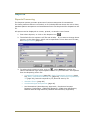
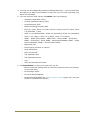
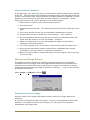
1. To clear the Medical Record flag, select Security from the menu in
Registration and select the patient.
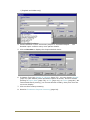
2. Choose Clear Medical Records Flag.
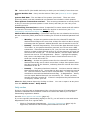
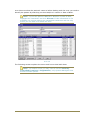
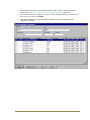
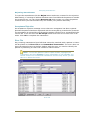
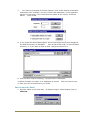
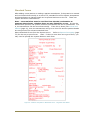
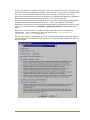
3. The Registration Security screen is displayed, tick the box "Confirm you wish to
Clear Medical Record Flag" and click OK.
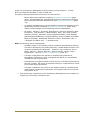
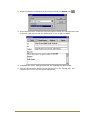
Security - Clear Medical Record Flag
69