1
EkoTek Hub
Reviewing Archived Messages
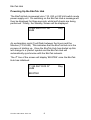
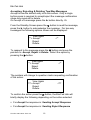
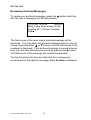
To review your archived messages, press the S button whilst the
EkoTek Hub is displaying the Standby Screen:
10.50 AM 12.09.06
Archive
Bring 2 new demo models to the
meeting at 11.30 next Tuesday.
Ruth■
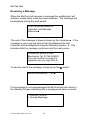
The first screen of the most recent archived message will be
displayed. You may select the archived message that you want to
review, by pressing the: S or T buttons until the first screen of the
message is displayed. If the archived message is several screens
long, you can view subsequent screens by pressing the X button.
The last screen of the message will contain the ■ symbol.
The top line shows the time and date that the message was
received and to the right the message status Archive is displayed.
Part No. 9261-8276 Issue 3.0
21