1
80
Chapter 5
Custom Variable Attributes
In addition to the standard variable attributes (for example, value labels, missing values,
measurement level), you can create your own custom variable attributes. Like standard variable
attributes, these custom attributes are saved with SPSS Statistics data files. Therefore, you could
create a variable attribute that identifies the type of response for survey questions (for example,
single selection, multiple selection, fill-in-the-blank) or the formulas used for computed variables.
Creating Custom Variable Attributes
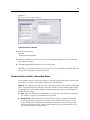
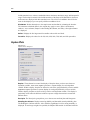
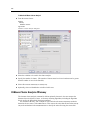
To create new custom attributes:
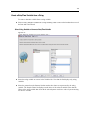
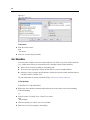
E In Variable View, from the menus choose:
Data
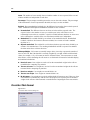
New Custom Attribute...
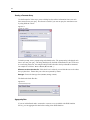
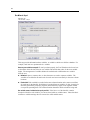
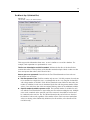
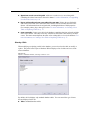
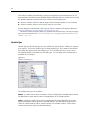
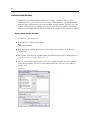
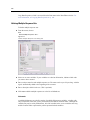
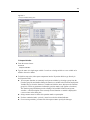
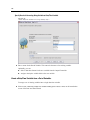
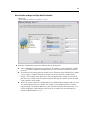
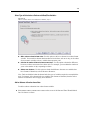
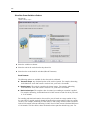
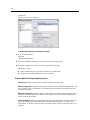
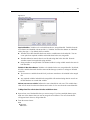
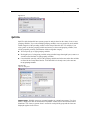
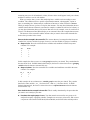
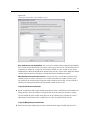
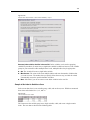
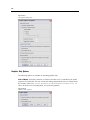
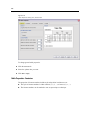
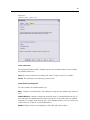
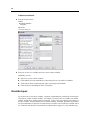
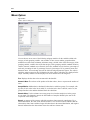
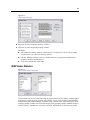
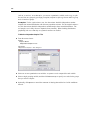
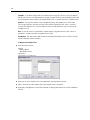
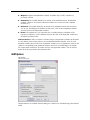
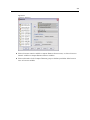
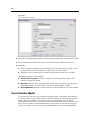
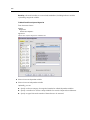
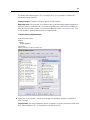
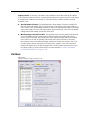
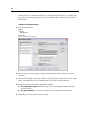
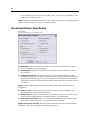
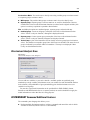
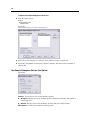
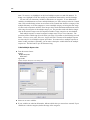
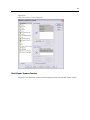
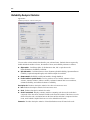
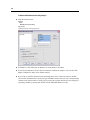
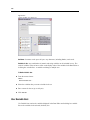
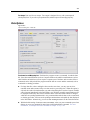
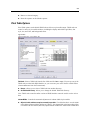
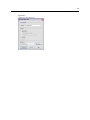
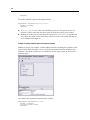
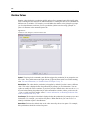
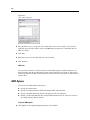
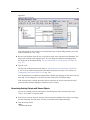
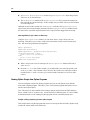
E Drag and drop the variables to which you want to assign the new attribute to the Selected
Variables list.
E Enter a name for the attribute. Attribute names must follow the same rules as variable names. For
more information, see Variable Names on p. 72.
E Enter an optional value for the attribute. If you select multiple variables, the value is assigned
to all selected variables. You can leave this blank and then enter values for each variable in
Variable View.
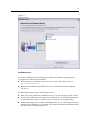
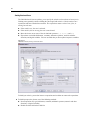
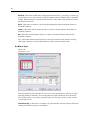
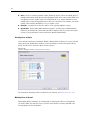
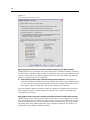
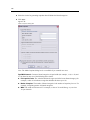
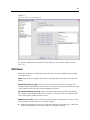
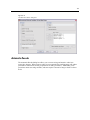
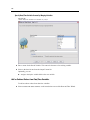
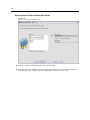
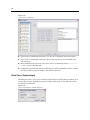
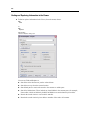
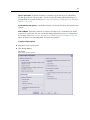
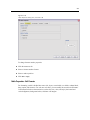
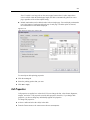
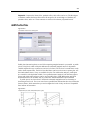
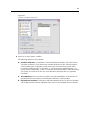
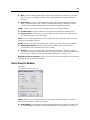
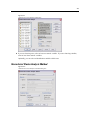
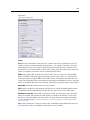
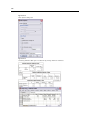
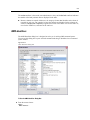
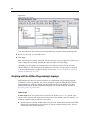
Figure 5-6
New Custom Attribute dialog box