1
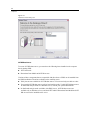
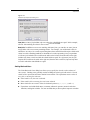
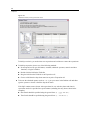
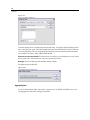
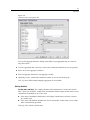
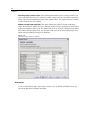
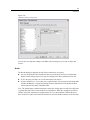
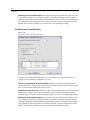
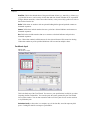
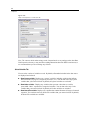
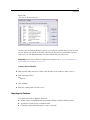
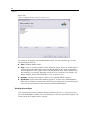
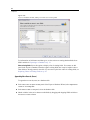
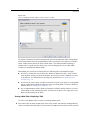
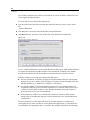
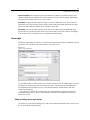
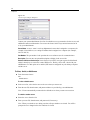
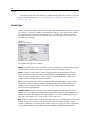
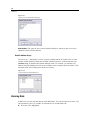
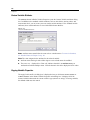
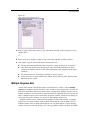
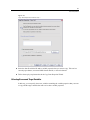
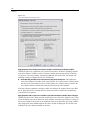
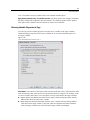
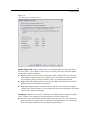
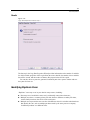
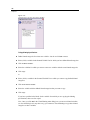
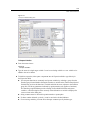
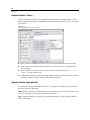
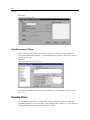
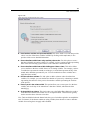
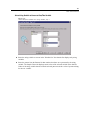
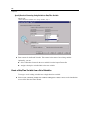
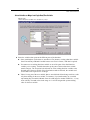
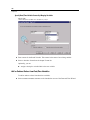
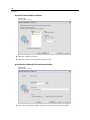
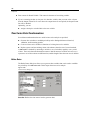
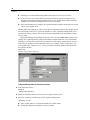
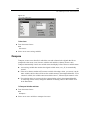
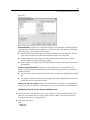
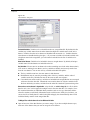
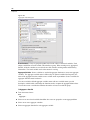
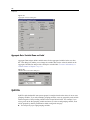
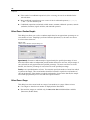
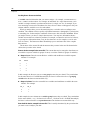
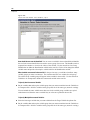
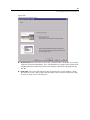
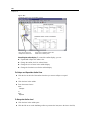
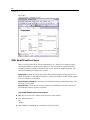
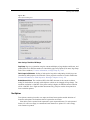
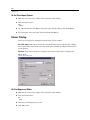
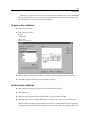
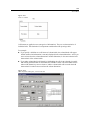
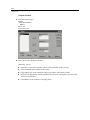
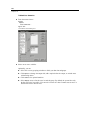
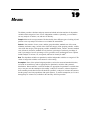
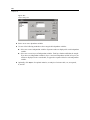
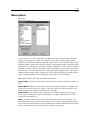
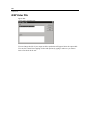
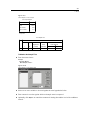
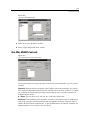
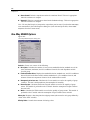
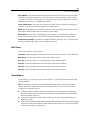
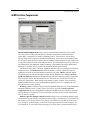
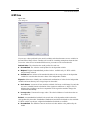
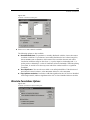
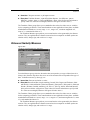
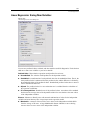
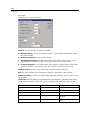
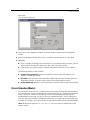
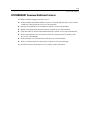
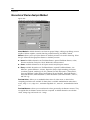
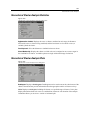
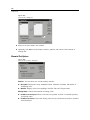
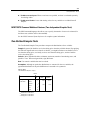
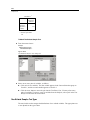
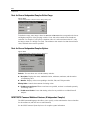
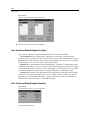
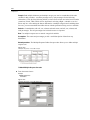
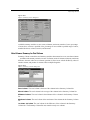
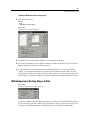
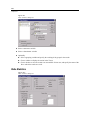
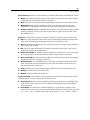
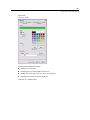
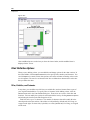
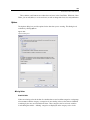
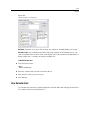
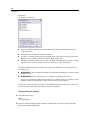
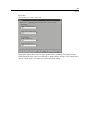
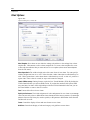
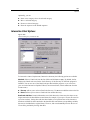
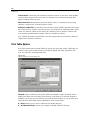
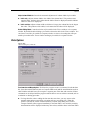
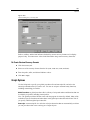
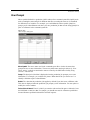
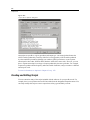
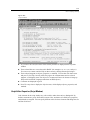
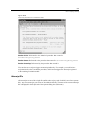
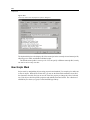
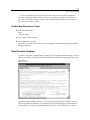
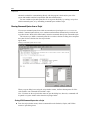
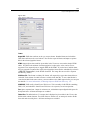
349 Linear Regression Stepwise. At each step, the independent variable not in the equation that has the smallest probability of F is entered, if that probability is sufficiently small. Variables already in the regression equation are removed if their probability of F becomes sufficiently large. The method terminates when no more variables are eligible for inclusion or removal. Remove. A procedure for variable selection in which all variables in a block are removed in a single step. Backward Elimination. A variable selection procedure in which all variables are entered into the equation and then sequentially removed. The variable with the smallest partial correlation with the dependent variable is considered first for removal. If it meets the criterion for elimination, it is removed. After the first variable is removed, the variable remaining in the equation with the smallest partial correlation is considered next. The procedure stops when there are no variables in the equation that satisfy the removal criteria. Forward Selection. A stepwise variable selection procedure in which variables are sequentially entered into the model. The first variable considered for entry into the equation is the one with the largest positive or negative correlation with the dependent variable. This variable is entered into the equation only if it satisfies the criterion for entry. If the first variable is entered, the independent variable not in the equation that has the largest partial correlation is considered next. The procedure stops when there are no variables that meet the entry criterion. The significance values in your output are based on fitting a single model. Therefore, the significance values are generally invalid when a stepwise method (stepwise, forward, or backward) is used. All variables must pass the tolerance criterion to be entered in the equation, regardless of the entry method specified. The default tolerance level is 0.0001. Also, a variable is not entered if it would cause the tolerance of another variable already in the model to drop below the tolerance criterion. All independent variables selected are added to a single regression model. However, you can specify different entry methods for different subsets of variables. For example, you can enter one block of variables into the regression model using stepwise selection and a second block using forward selection. To add a second block of variables to the regression model, click Next. Linear Regression Set Rule Figure 27-3 Linear Regression Set Rule dialog box Cases defined by the selection rule are included in the analysis. For example, if you select a variable, choose equals, and type 5 for the value, then only cases for which the selected variable has a value equal to 5 are included in the analysis. A string value is also permitted.